15 best AI tools in 2026 (free and paid)
These are the best AI tools in 2026, across writing, video, coding, automation, and voice. Honest takes on what each AI tool is actually good for and when it is worth paying for.
Updated: May 8, 2026
The AI tools market has exploded. There are hundreds of options, and most are thin wrappers around the same models with a new logo.
This is not a list of everything out there. These are the 15 AI tools I actually pay for and use regularly. Some have changed how I work completely. Others do one thing really well and are worth every dollar for that reason.
If you are looking for the best AI tools for writing, video, coding, or automation, this is a good place to start.
The 15 best AI tools in 2026
These are the AI tools I use for everything from marketing and video to coding and automation. My goal is to inspire you to at least start testing them.
- ChatGPT (General assistant and daily tasks)
- Claude (Strong integrations, writing, and working with files)
- Gemini (Google ecosystem, Gmail, and Nano Banana for images)
- Grok (Trend tracking and summaries)
- Cursor (Development)
- Lovable (Websites)
- Replit (Apps)
- n8n (Automation)
- Make (Automation)
- Higgsfield (Video)
- ElevenLabs (Voice/TTS)
- Wispr Flow (Dictation)
- Supercut (Screen recording)
- HeyGen (AI avatar videos)
- Synthesia (AI avatar videos)
Okay, lets dive a bit deeper into each one and cover what they are actually good for.
1. ChatGPT
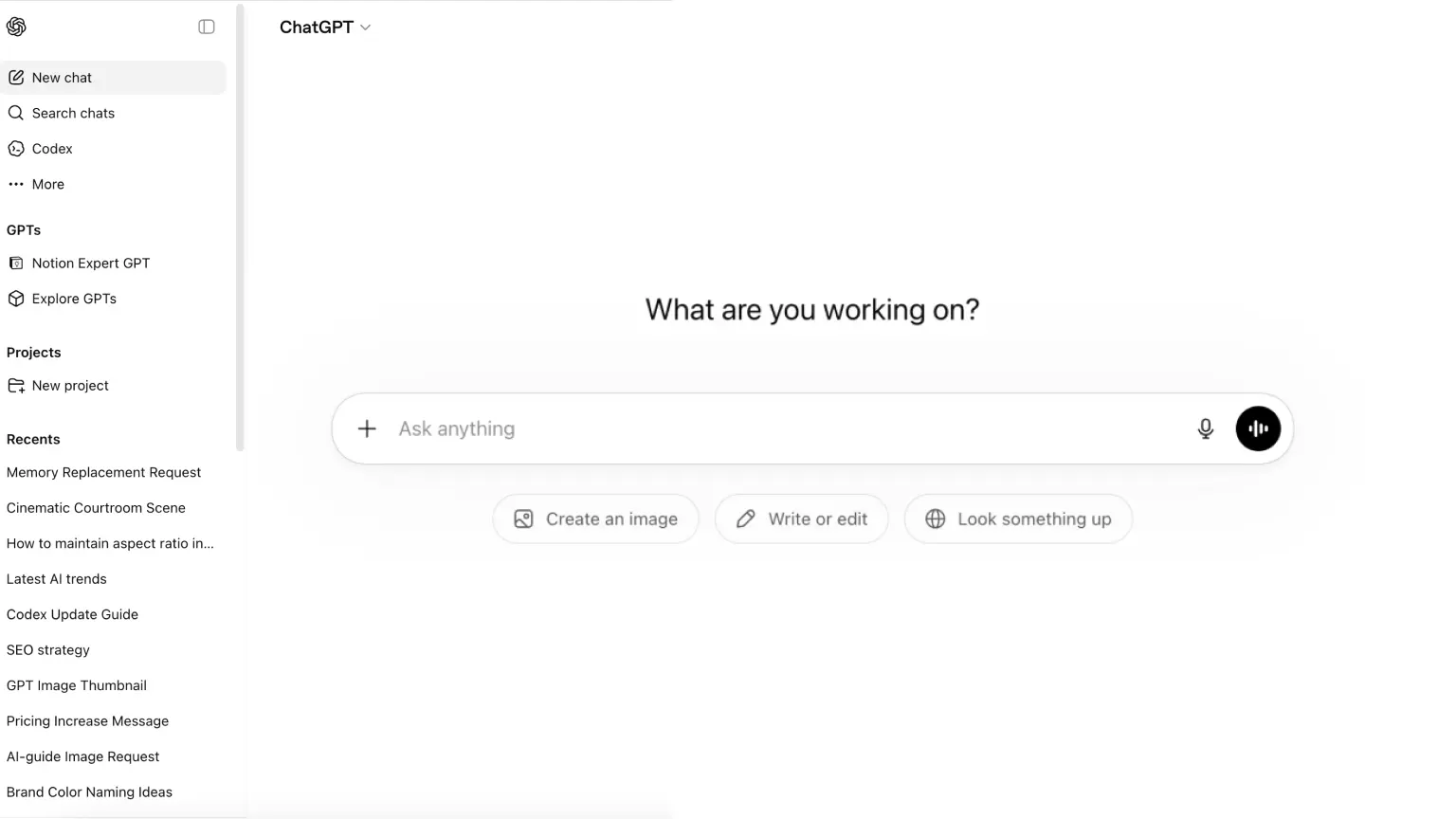
ChatGPT is still the one I open first for day-to-day work. It is fast, the web search is solid when I need to double-check something, and the product just feels easy to use.
I also use it a lot for image work. The latest model is genuinely good, and together with Nano Banana in Gemini, it covers most of what I need for creative tasks.
Voice mode is another underrated part of the product. When I want to think out loud or brainstorm quickly, it is perfect. I also like how much is now bundled into one ecosystem: Agent Builder, Atlas, and Codex. According to OpenAI, ChatGPT has reached 900 million weekly active users and is still the most popular AI tool.
ChatGPT pricing
- Free: $0/month, limited access to models, messages, uploads, and image generation.
- Go: $8/month, more usage than the free plan with higher message and upload limits.
- Plus: $20/month, advanced models, more capacity, and features like projects, tasks, and custom GPTs.
- Pro: $200/month, highest tier with much larger usage limits and priority access.
2. Claude
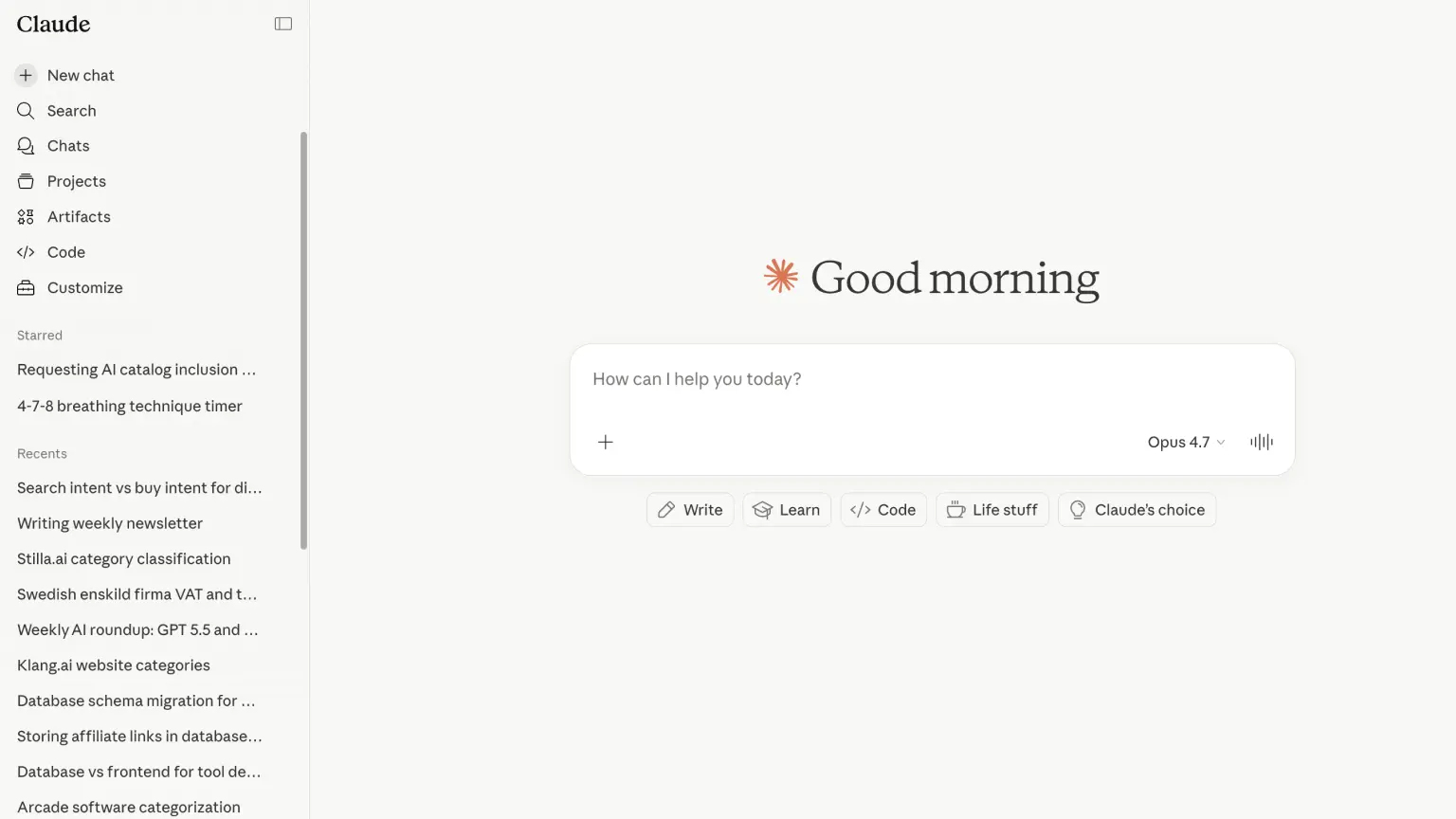
Claude is the tool I use when I need focused, high-quality output. It feels more like a work product than a chat app, especially when using connectors and working across docs.
Writing quality is where it stands out most for me. The tone is usually more natural and less "AI-sounding," which matters a lot for landing pages, product messaging, and anything customer-facing.
In my own use, it also tends to make fewer weird guesses, so I spend less time fixing drafts. The main downside, and it is a real one, is the price and rate limits. It can get expensive fast, and it is easy to hit rate limits even on paid plans. Claude has also faced criticism for potentially downgrading models to cut costs. Whether that is true is hard to know, but Anthropic addressed that discussion in their April 23 postmortem.
Even with those tradeoffs, it is still one of my favorites.
Claude pricing
- Free: $0/month, chat on web, mobile, and desktop with text and image analysis plus web search.
- Pro: $20/month, extended usage plus Claude Code, Cowork, and more advanced features.
- Max: from $100/month, significantly higher limits and priority access during high load.
- Team: $25/month per user, collaboration and admin features for teams.
3. Gemini
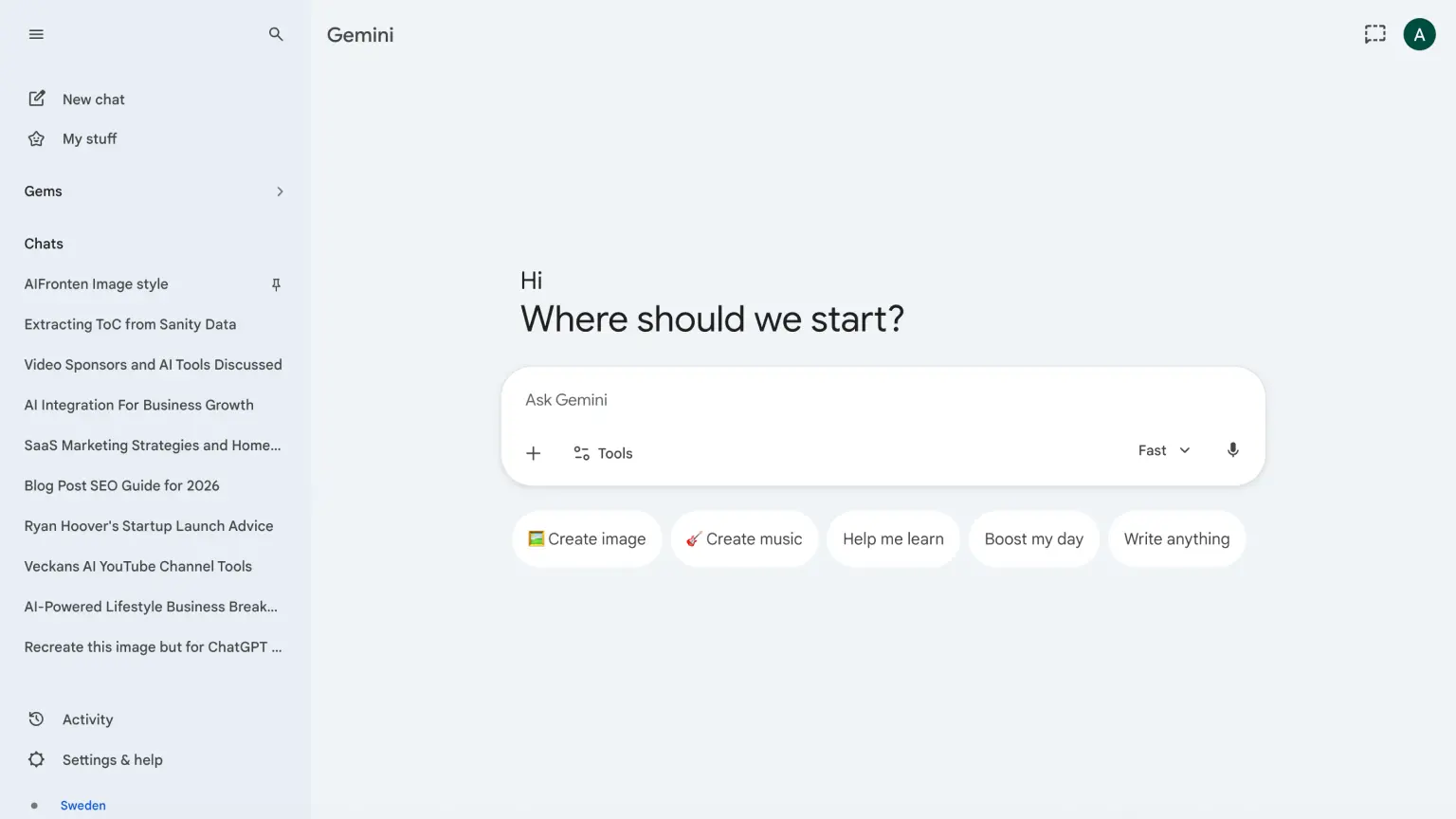
I mostly use Gemini because my work already runs inside Google: Gmail, Docs, Drive, Meet. Having AI natively there saves a lot of context switching.
For me, the strongest part is still image generation. Nano Banana has been giving me great results lately. I do use Google's video models too, but usually through Higgsfield instead of directly in Gemini.
I also use the Gemini API in projects I build. Pricing is one of the main reasons: the free tier is generous enough for testing ideas and running lightweight automations in n8n. One thing to be careful with: on some free plans, data may be used for training, so I avoid sensitive data there and switch to paid plans when needed.
Gemini pricing
- Free: $0/month, core features with daily AI credits.
- Google AI Plus: $8/month, more capacity, more storage, and Gemini across more Google surfaces.
- Google AI Pro: $24/month, higher limits, more storage, and more advanced AI features.
- Google AI Ultra: $300/month, top tier with maximum capacity and premium features.
4. Grok
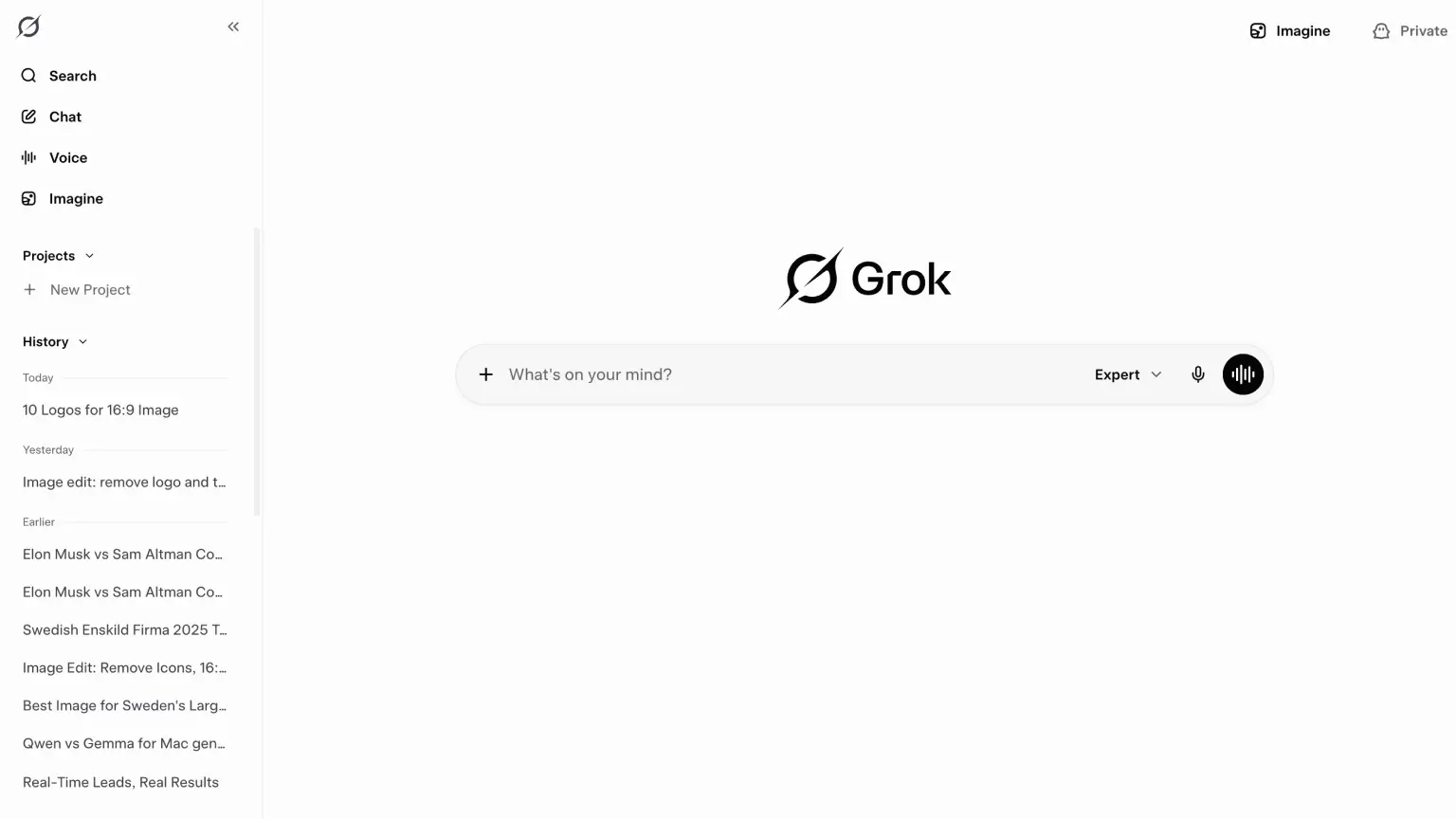
Grok is the tool I open when I want the fastest read on what is happening right now. If a new model drops, a debate explodes on X, or a long thread is getting passed around, Grok helps me understand it quickly.
I use X every day to track AI updates, and Grok fits that workflow really well. The one-click summaries for long threads and videos are genuinely useful.
Grok pricing
- SuperGrok: $30/month, longer chats, more image and video generation, and priority access.
5. Cursor
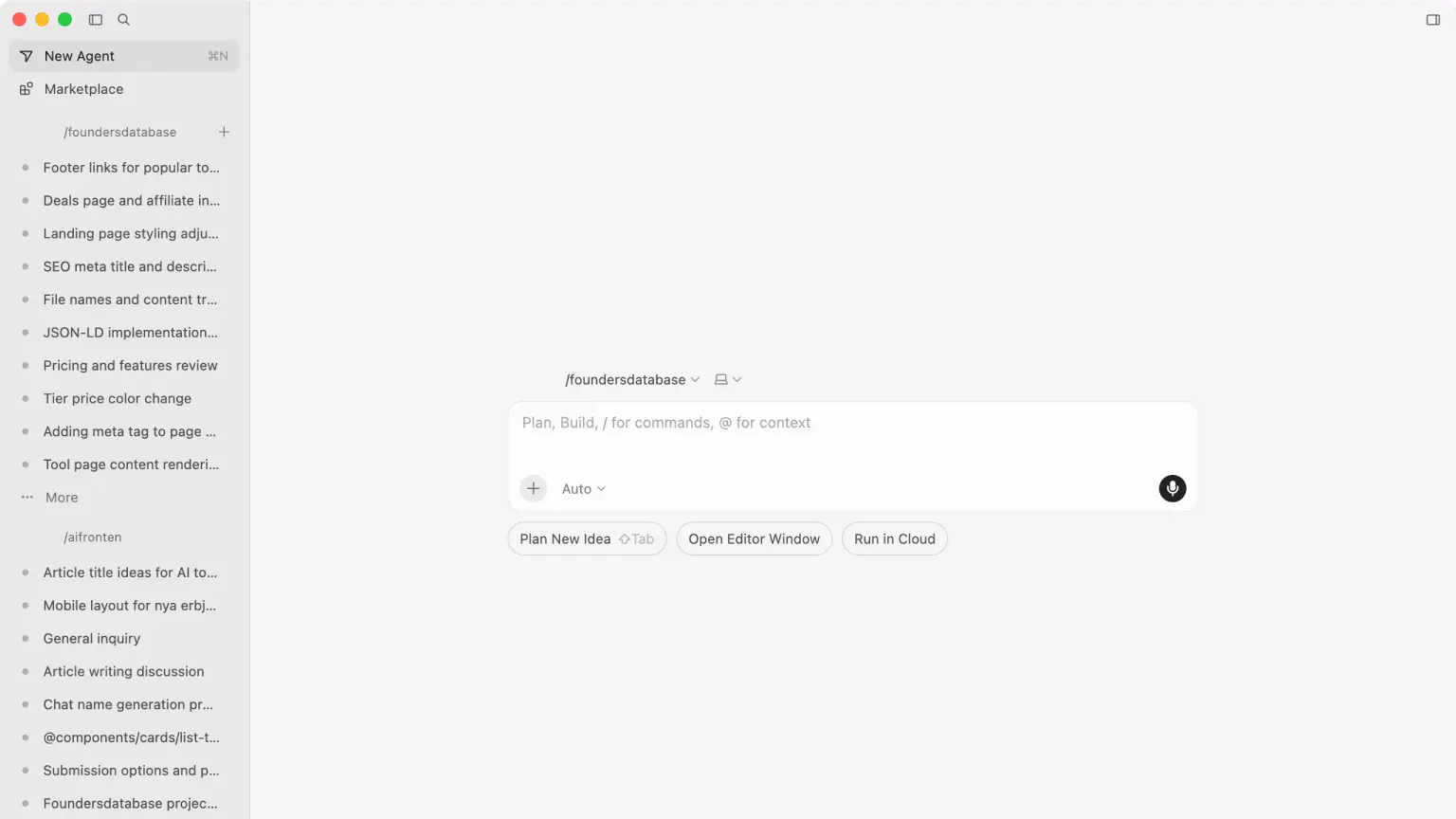
Cursor was my first AI IDE. It became my default and still is today. I test Claude Code and Codex occasionally, but honestly nothing beats Cursor for me.
What I like most is being able to switch models quickly depending on the task, run agents in parallel, and mostly avoid the feeling that tokens are about to run out. The latest version also added an agentic window that feels close to how Codex works, if you prefer that style. I personally prefer the panel on the right though.
Cursor pricing
- Hobby: $0/month, limited agent requests and tab completions.
- Pro: $20/month, more usage, frontier models, and support for cloud agents.
- Pro+: $60/month, roughly 3x higher usage across top models.
- Ultra: $200/month, roughly 20x higher usage and priority access to new features.
- Teams: $40/user/month, shared resources and admin and security features for teams.
6. Lovable
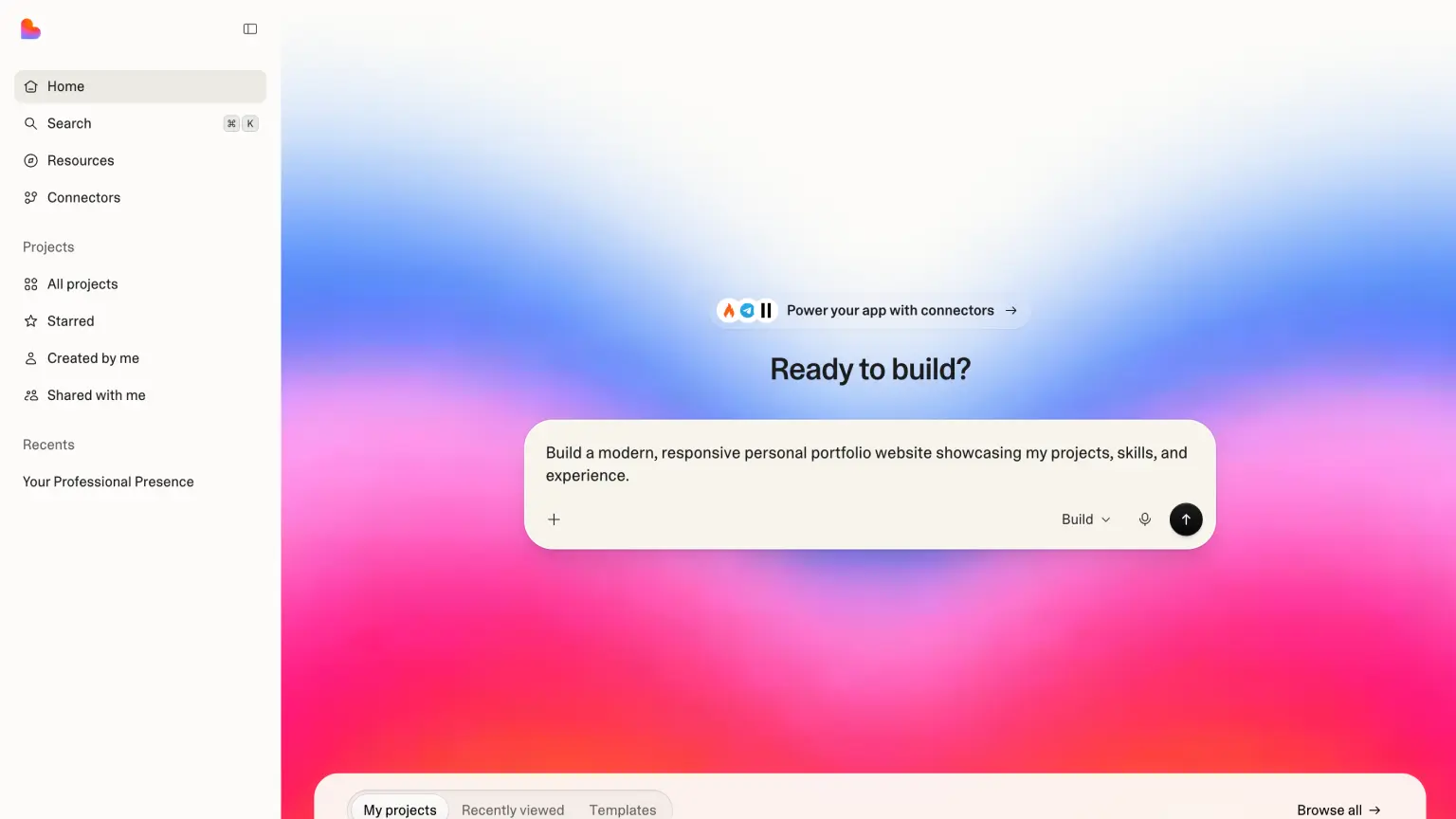
Lovable is another tool I really like. It is one of the fastest ways I know to go from idea to something you can actually click around in.
My personal workflow is almost always the same: prototype in Lovable first, test the feel and structure, and if the project gets more serious I take the code into Cursor.
That does not mean Lovable is limited. It is genuinely powerful and can take you very far, whether you are building for yourself or for clients. The Cursor handoff is just a personal preference.
Lovable pricing
- Pro: $25/month, credits, custom domain, removed branding, and team permissions.
- Business: $50/month, everything in Pro plus SSO, team workspace, and more enterprise features.
7. Replit
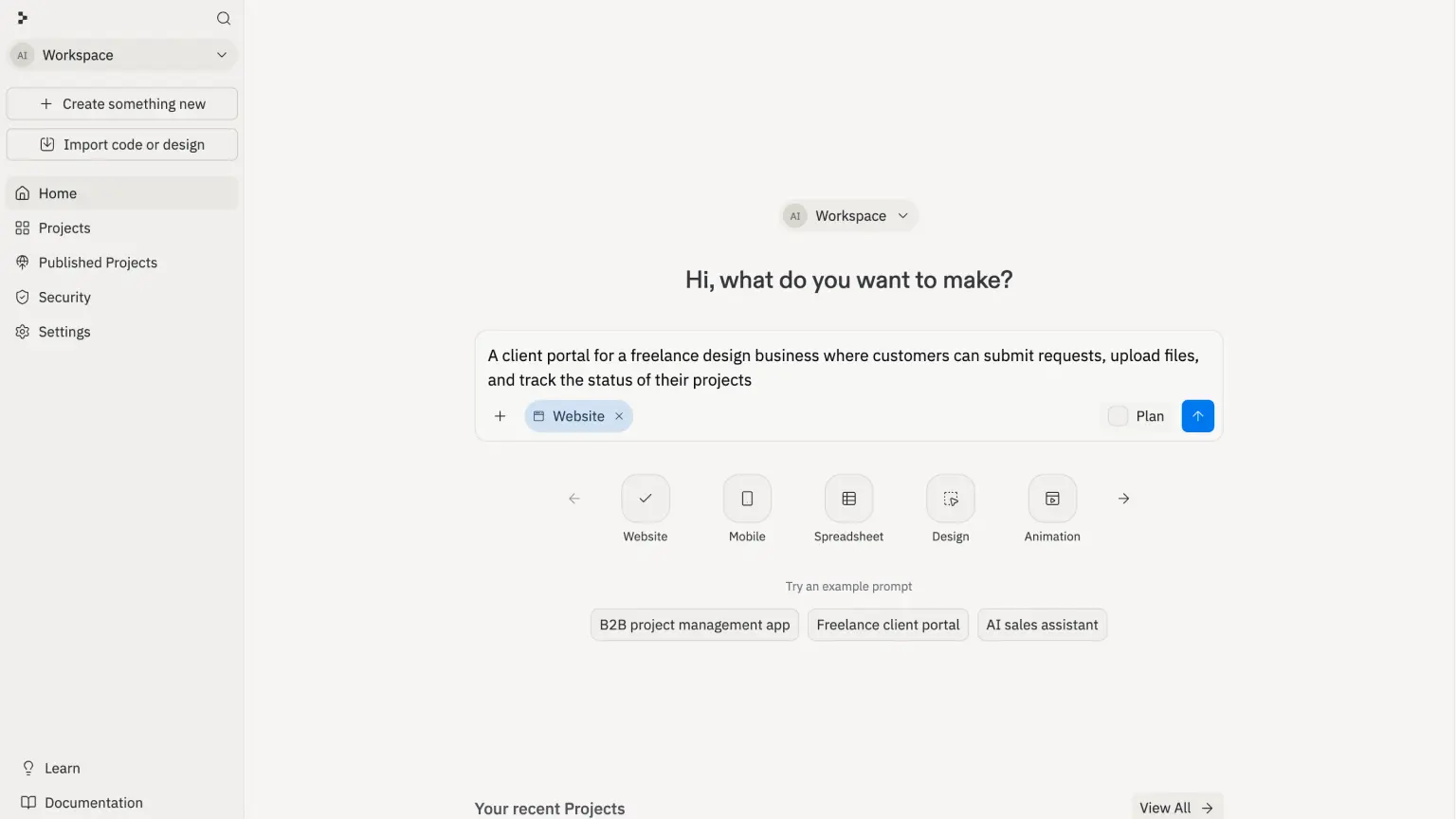
Replit is in the same family as Lovable but more powerful in certain situations. The main reason I use it is when I want to build native mobile apps, which is the biggest advantage over Lovable.
Replit pricing
- Starter: $0/month, daily AI credits and the ability to publish an app.
- Replit Core: $20/month, more collaborators and unlimited workspaces.
- Replit Pro: $95/month, higher capacity, more users, and private deployments.
8. n8n
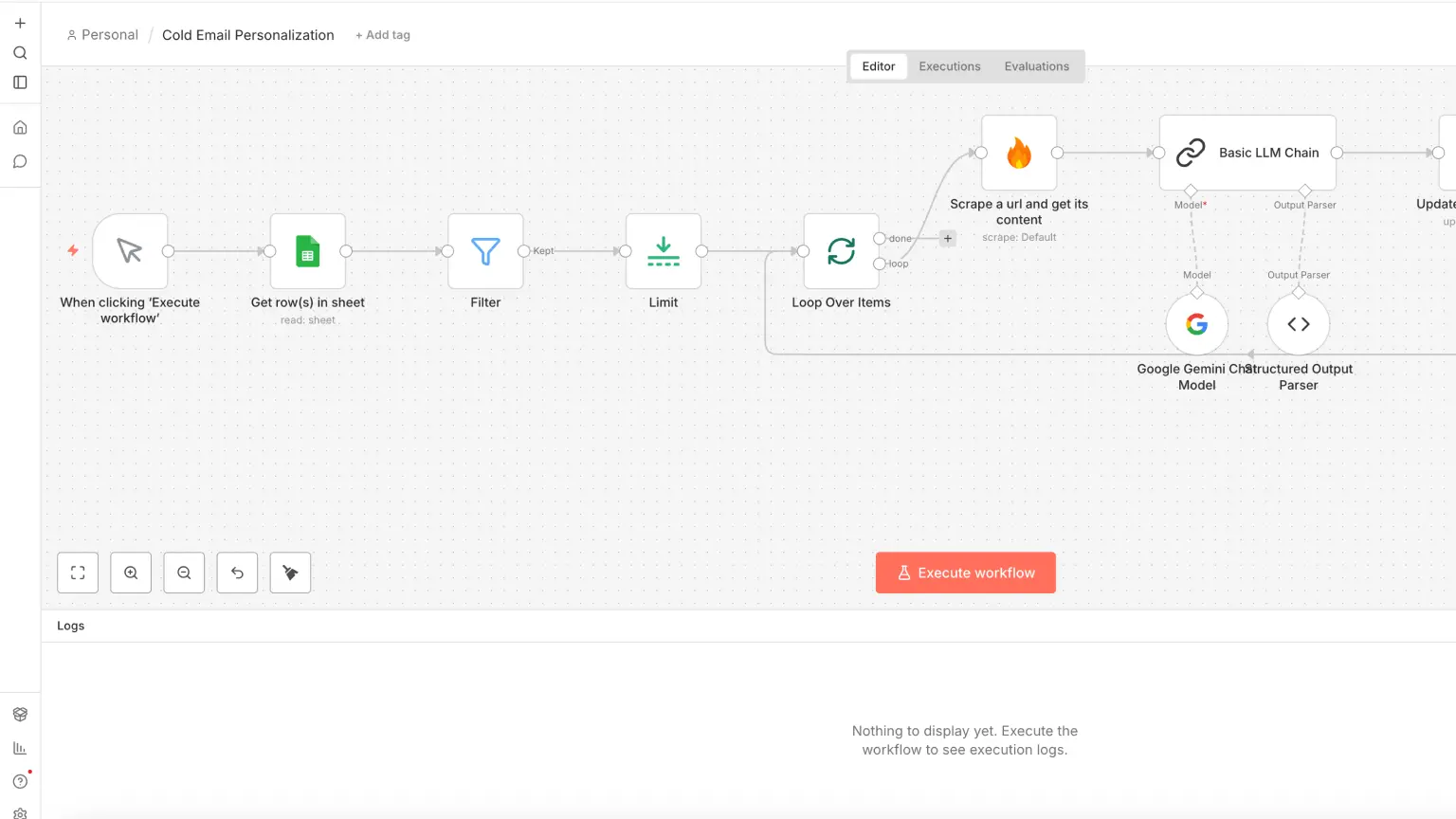
n8n is one of my absolute favorite tools on this list. If you do not code and want to build automation, n8n and Make are two of the best options out there.
A real workflow I have run multiple times is lead enrichment. I have a spreadsheet full of leads and want to enrich each row with a website summary, email address, and other context using AI. With n8n I can build the entire flow visually with drag and drop, and it is surprisingly easy to get started.
Since n8n is open source you can also run it locally for free, or self-host it wherever you want if you do not want to use their cloud. It is also one of the most popular open source projects around, with 187k+ stars on GitHub.
And if you are lazy like me and do not want to click around manually, you can connect n8n via MCP to tools like Cursor, Claude, or Codex and build workflows with prompts instead.
n8n cloud pricing
- Starter: 20 EUR/month, 2,500 executions per month and basic AI credits.
- Pro: 50 EUR/month, more concurrent executions, shared projects, and more history.
- Business: 667 EUR/month, enterprise level with SSO and significantly higher capacity.
9. Make
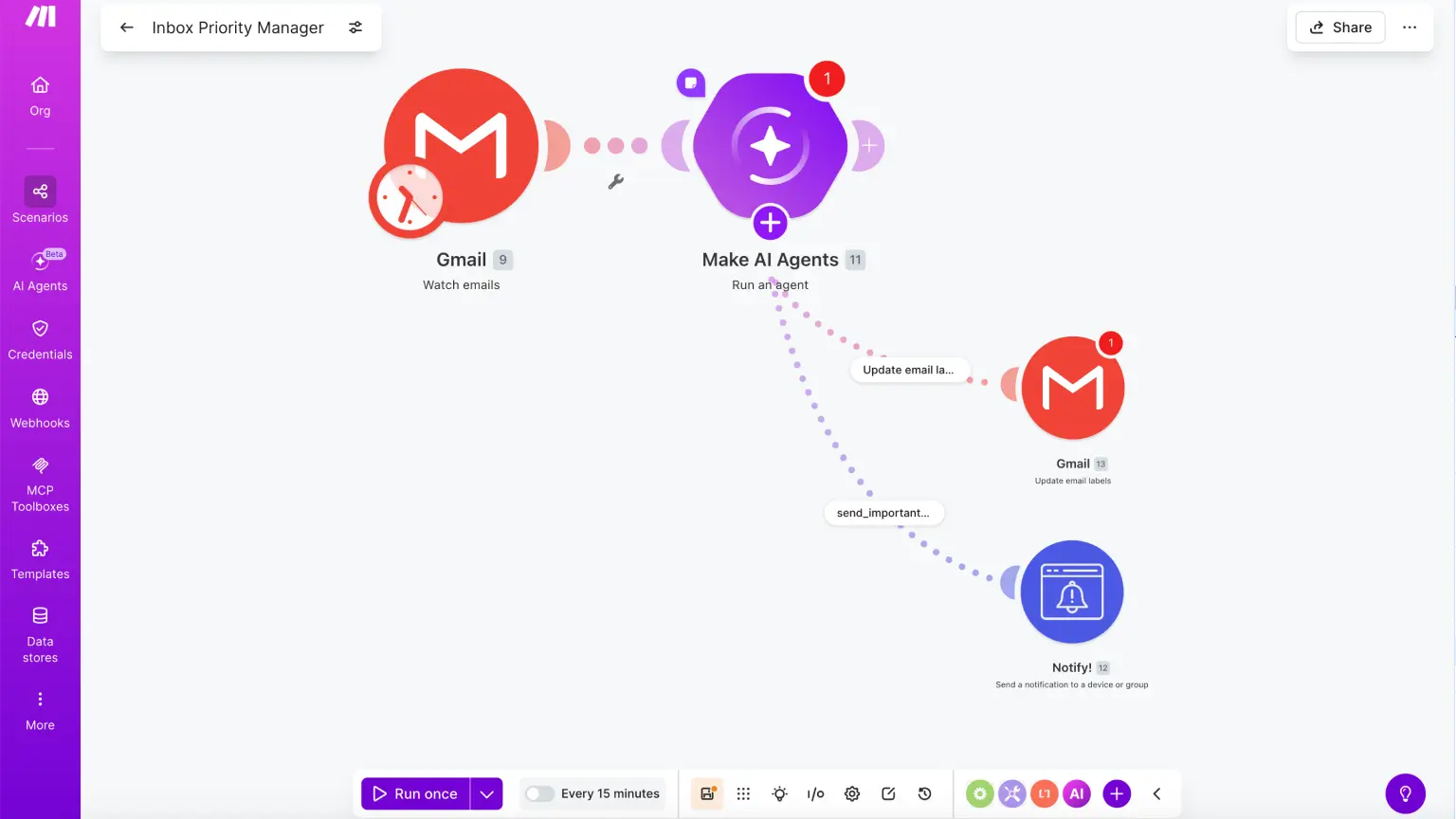
Make is a tool I switch between alongside n8n. I know some people prefer Make, so it is worth including here.
For some users Make feels more intuitive and less overwhelming at the start. Try both and stick with whichever fits how you work.
Make pricing
- Free: $0/month, 1,000 credits per month and access to the visual builder.
- Core: $9/month, unlimited active scenarios and API access.
- Pro: $16/month, more advanced automation with priority execution.
- Teams: $29/month, collaboration features and shareable scenario templates.
10. Higgsfield
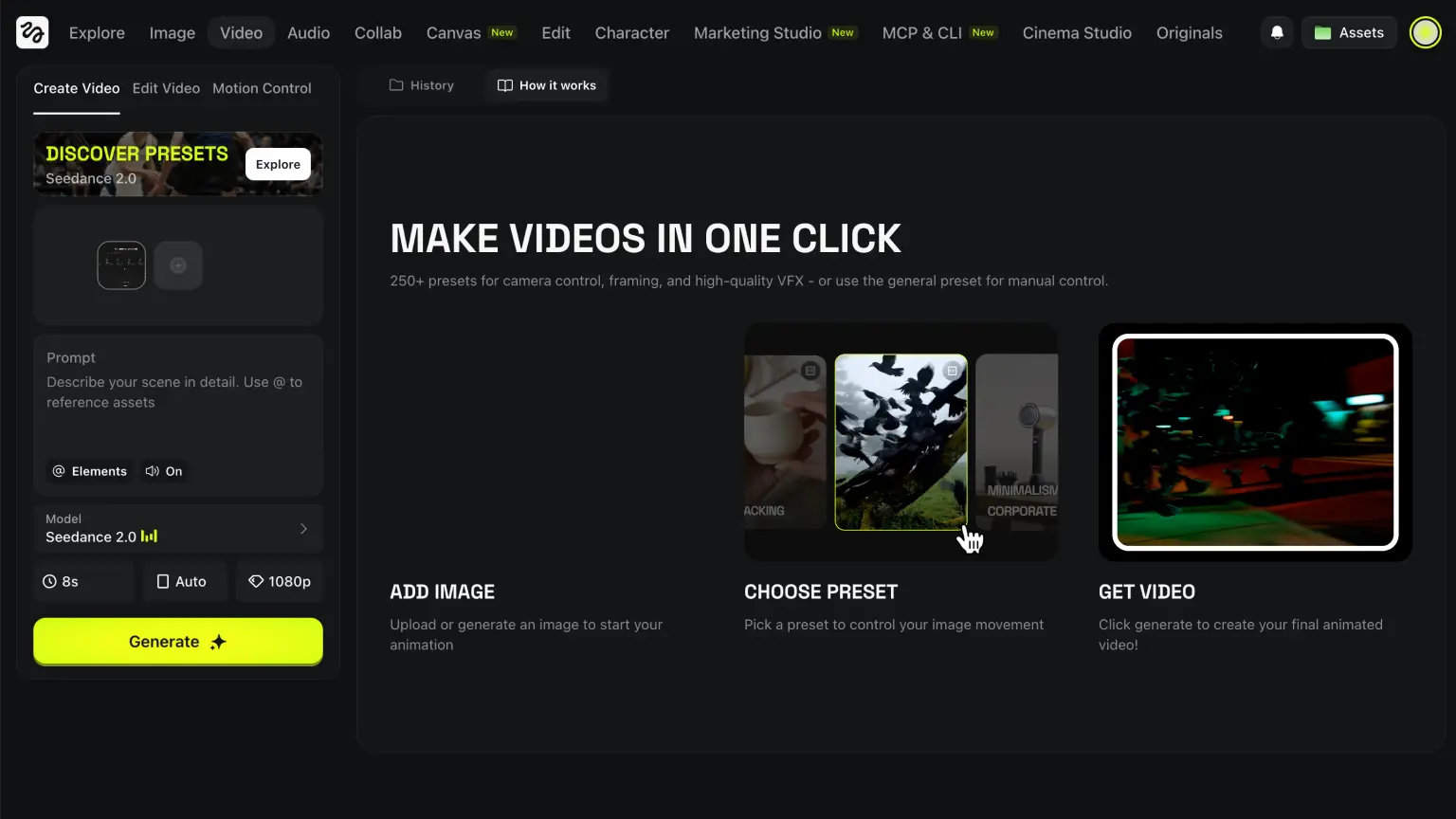
Higgsfield is my main tool right now for AI video production. I use it mostly for social media content and marketing.
What makes it particularly strong is that several of the best video models are available in one place, including models from Google and Kling. That means I can stay in one workflow instead of jumping between different tools.
Other video tools worth considering are InVideo and Freepik.
Higgsfield pricing
- Free: $0/month, daily credits with limited generation.
- Basic: $9/month, more credits and commercial use without watermarks.
- Pro: $29/month, higher capacity for regular production.
- Ultimate: $49/month, highest credit tier and priority access.
11. ElevenLabs
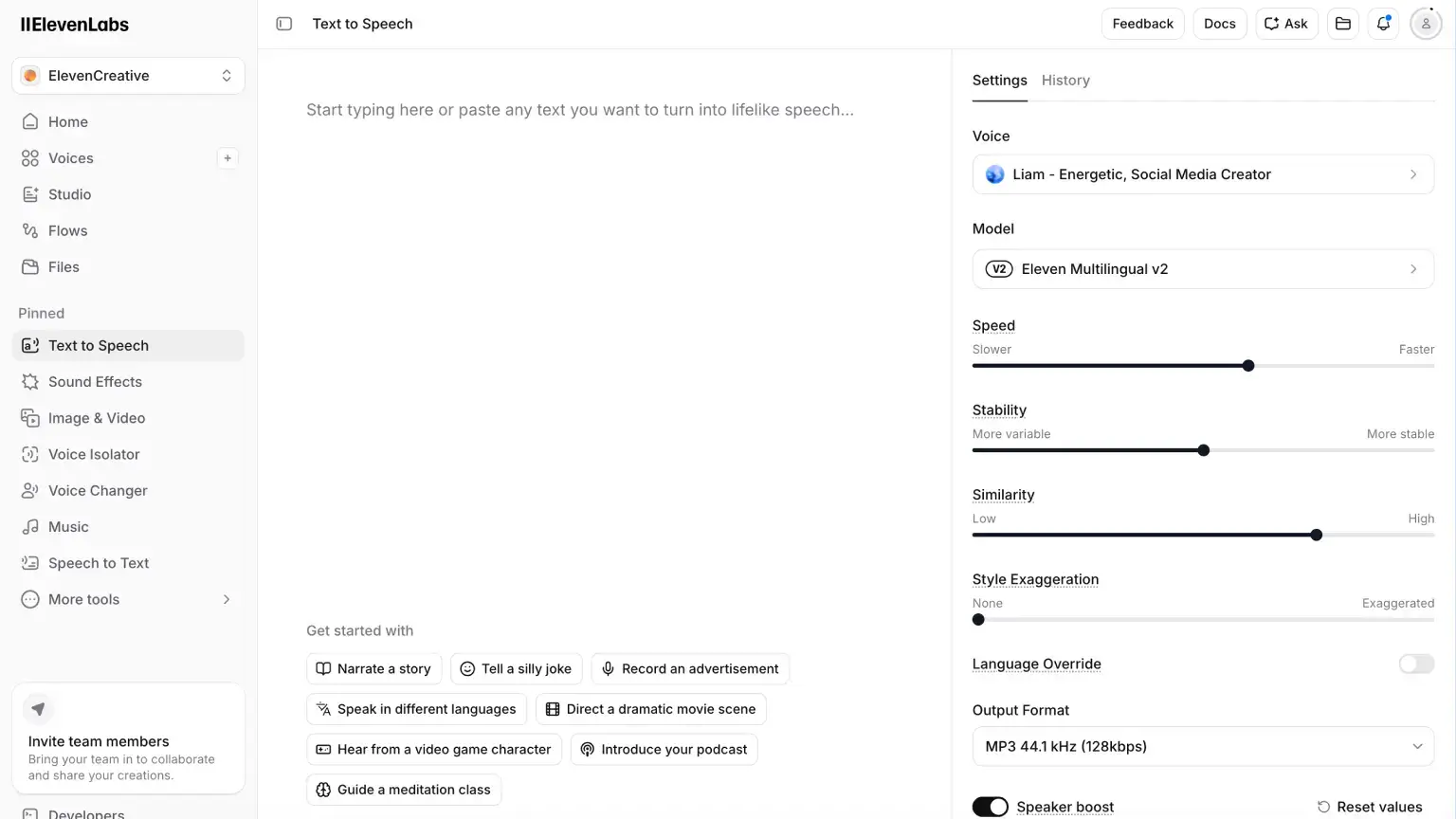
ElevenLabs is the best text-to-speech tool I have tested. The voices sound very natural. I use it for social videos and have not had a single comment about it sounding like AI — that is how good the quality is.
You can also clone your own voice or create entirely new ones. A big advantage is being able to take the same script and generate it in multiple languages without rewriting anything.
Combine Higgsfield for video and ElevenLabs for voiceover and you have a really strong setup for social media marketing.
ElevenLabs pricing
- Free: $0/month, 10,000 characters per month.
- Starter: $5/month, 30,000 characters per month.
- Creator: $11/month, 100,000 characters per month.
- Pro: $99/month, 500,000 characters per month.
- Scale: $330/month, 2,000,000 characters per month.
- Business: $1,320/month, 11,000,000 characters per month.
12. Wispr Flow
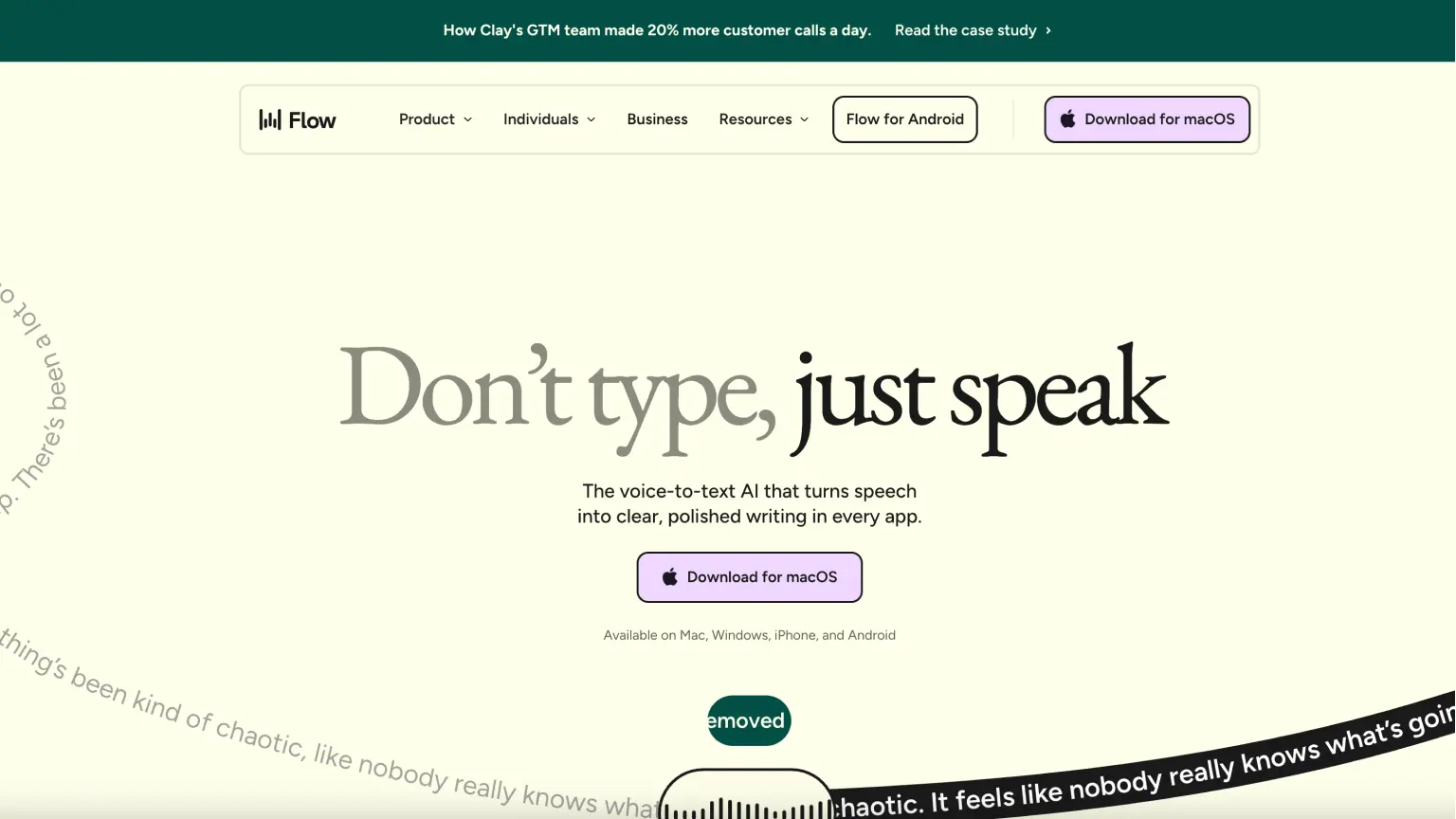
Wispr Flow is probably the AI tool that saves me the most time day to day. It is the best dictation app I have used.
I use it for almost everything I used to type: prompting in Cursor, emails, notes, and quick drafts. Instead of typing, I talk.
I work from home often and can speak freely, but it works just as well if you are sitting next to colleagues. You can even whisper and still get accurate output.
Snippets make it even better. I can say "my email" and get the full address inserted instantly. Same with standard replies — if you write the same support response regularly, create a snippet, say the trigger phrase, and the full text comes out.
If you are tired of typing all day and feel like your ideas move faster than your keyboard, try Wispr Flow.
Wispr Flow pricing
- Basic: $0/month, limited words per week depending on device.
- Pro: $12/month, unlimited words, more editing features, and team support.
13. Supercut
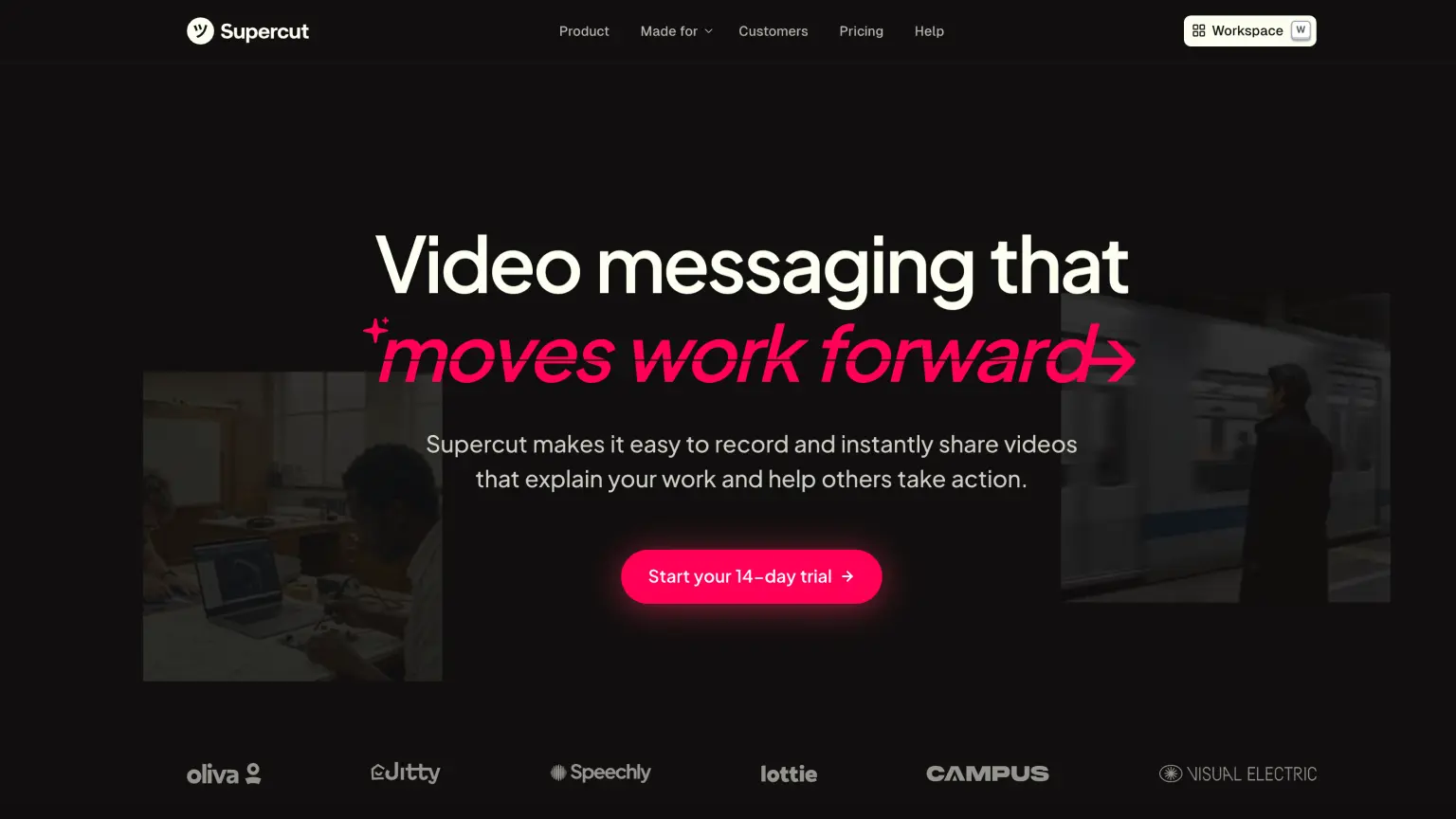
Supercut is what I switched to after using Loom for a long time. For me it is a better overall experience, both in how it feels to use and in the features that come built in.
I use it to create screen recordings for clients when walking through how different parts of a process work. It means I can skip writing long documents and reduces the chance of misunderstandings.
This AI tool automatically adds chapters, generates summaries, and helps structure the material. If you regularly need to explain processes to clients or colleagues, Supercut is a very efficient way to do it.
Supercut pricing
- Pro: $15/month, 4K sharing, AI features, and automated video editing.
14. HeyGen
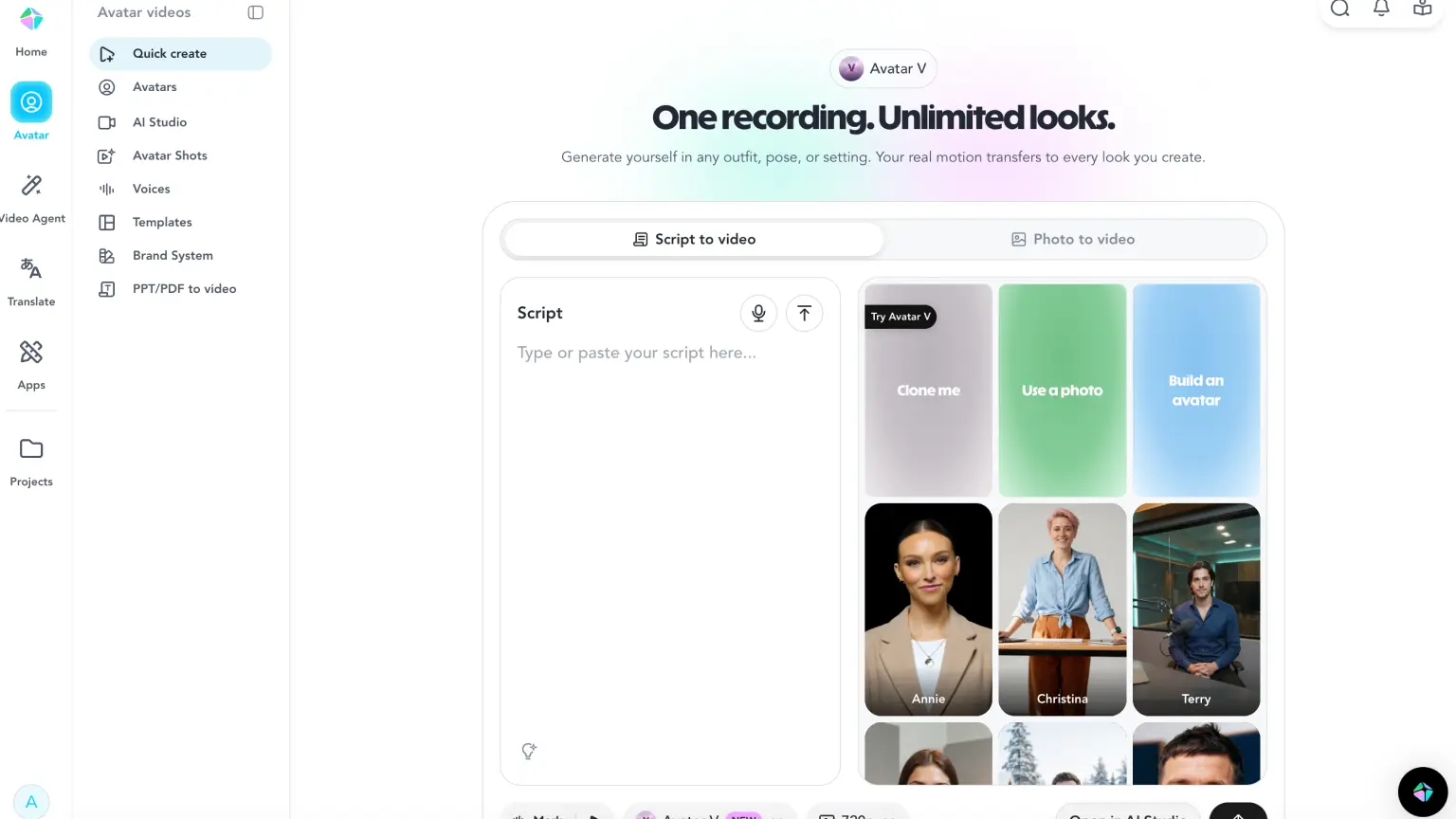
I use HeyGen for social media ads, product explainers on landing pages, and sometimes personalized sales outreach.
It let's you generate videos with AI avatars that speak from a script, with facial movements and lip sync automatically matched to the audio. What makes it useful is that you can produce video without filming anything yourself and still get something that looks like a real person on camera.
For the voice you can either use HeyGen's built-in voices or import external ones, for example from ElevenLabs.
HeyGen pricing
- Free: $0/month, up to 3 videos per month.
- Creator: $29/month, unlimited avatar videos and 1080p export.
- Pro: $99/month, higher capacity and faster processing.
15. Synthesia
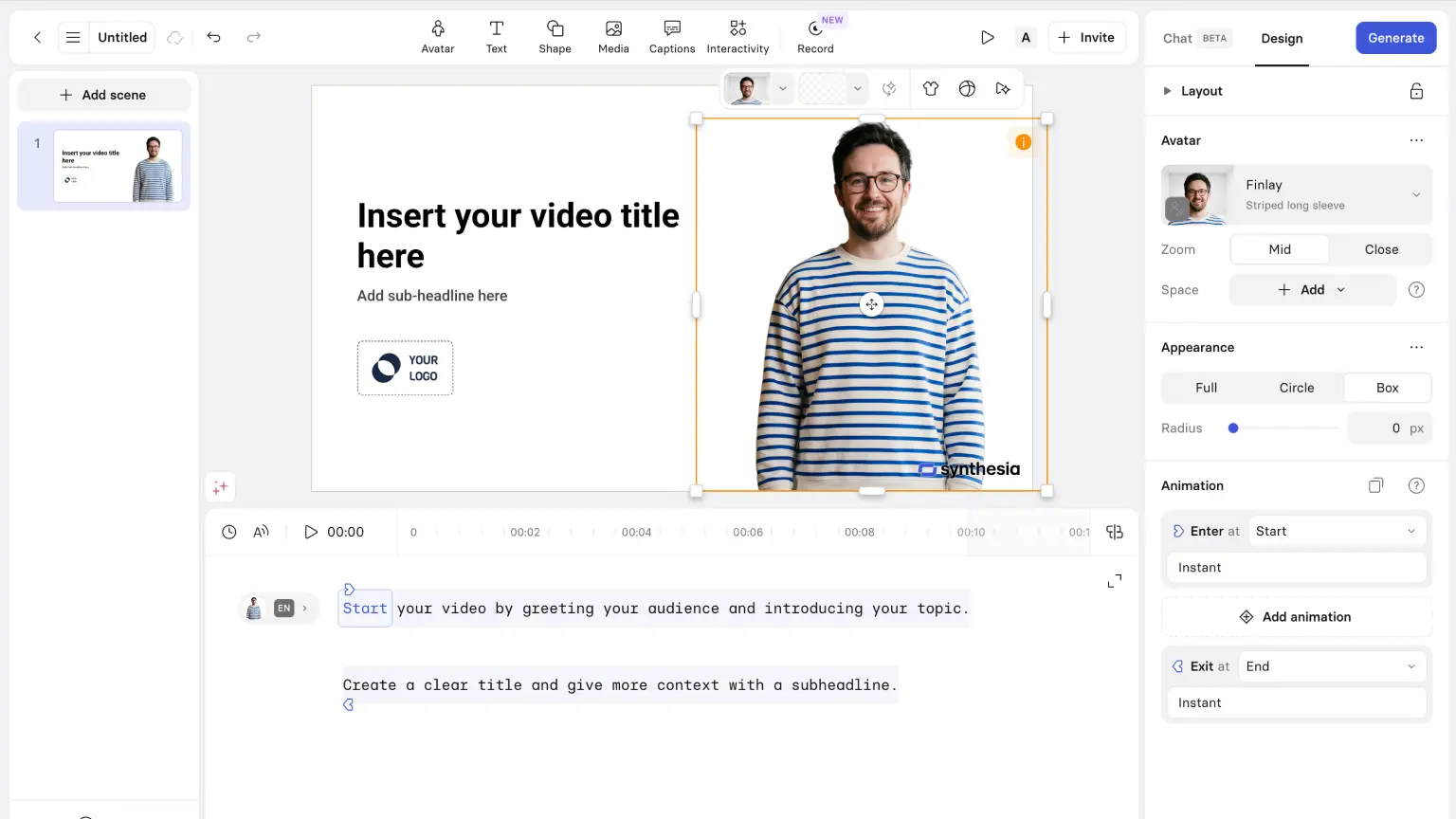
Synthesia is very similar to HeyGen, and you are making a solid choice with either one.
I switch between them myself. Sometimes I pay for one, sometimes I pause and run the other. Both are genuinely good.
My feeling is that Synthesia is more stable for longer videos and has a better editor, while HeyGen often feels stronger when the goal is maximum realism.
Synthesia pricing
- Basic: $0/month, up to around 10 minutes of video per month.
- Starter: $18/month, personal avatar and access to 125+ avatars.
- Creator: $64/month, more capacity, more avatars, and API access.
Which AI tools should you start with?
Start simple. One main assistant, one video tool, and one image tool covers most people well.
A solid starting point is Claude or ChatGPT as your main assistant, Higgsfield for video, and Gemini for images.
Want to get more done day to day: use Wispr Flow. Need to explain processes or onboarding: use Supercut. Want to create videos with AI avatars: use HeyGen. For text-to-speech: use ElevenLabs.
If you want something more consolidated, Gemini is the closest thing to an all-in-one option since it covers assistant, image, and video in the same ecosystem. It is not always the best at any single category compared to tools like Claude or ChatGPT, but it is convenient when you want to keep the stack simple.
At the end of the day, the point is to use AI to save time, save money, and get more done. If a tool does not clearly contribute to at least one of those things, it is probably not worth keeping in your stack. The goal is not to use something because it is popular — it is to use what actually fits how you work.
Related resources: