The 17 best AI SEO tools for Google and AI search in 2026
The best AI SEO tools in 2026 for Google SEO, AI search visibility, content optimization, and content automation.
Updated: May 19, 2026
SEO used to be mostly about getting pages to rank in Google. That still matters, but it is no longer the whole job. Buyers now ask ChatGPT, Perplexity, Claude, Gemini, and Google AI Overviews for recommendations before they ever click a search result.
That means your SEO stack has to answer a wider set of questions. Can search engines find and trust your site? Does your content satisfy traditional search intent? Do AI answer engines mention your brand, cite your pages, or recommend competitors instead? And can your team create useful content with AI without sounding generic?
This guide covers 17 AI SEO tools I would actually consider for a modern SEO stack: all-in-one platforms, AI visibility trackers, content optimization tools, automation platforms, affordable picks for beginners, and the free essentials that still matter.
What is AI SEO and why does it matter?
AI SEO is the work of making your content visible in both Google and AI answer engines like ChatGPT, Perplexity, Claude, Gemini, and Google AI Overviews. GEO, or generative engine optimization, is the AI-search side of that work: getting your brand understood, mentioned, cited, and recommended.
This matters because search behavior is already shifting. The 2026 AI and Search Behavior Study from Eight Oh Two found that 37% of consumers start searches with AI tools instead of traditional search engines. And on top of that, recent traffic estimates from AhrefsTop ranking data show something that would have sounded impossible a few years ago: chatgpt.com is now estimated to receive more organic search traffic than google.com. That is a major signal that attention is already moving away from traditional search-first behavior.
For businesses, the takeaway is simple. Ranking on Google is still important, but it's no longer enough on its own. You also need content that AI systems can clearly understand, trust, and confidently show in their answers.
The best AI SEO tools
Here is how I would shortlist the tools by use case.
The best all-in-one SEO platforms
Best when you want keyword research, site audits, rank tracking, content planning, and AI visibility in one subscription.
- Semrush for full-funnel visibility across SEO, content, and AI search
- Ahrefs for backlink data, keyword research, and Brand Radar AI tracking
- SE Ranking for strong value on SEO plus AI visibility at a lower entry price than the big two
The best content optimization and automation tools
Best when your bottleneck is writing, updating, optimizing, or scaling pages that match search intent and stay readable.
- Surfer SEO for briefs, content scoring, and AI search visibility tracking
- Clearscope for editorial teams that want tight content grading and AI answer tracking
- Frase for turning research into optimized drafts faster
- AirOps for teams that want to automate repeatable SEO and content tasks
The best AI search visibility tools
Best when you need to know if AI tools mention, cite, or recommend your brand for real buyer questions.
- Peec.ai for multi-platform AI search analytics with daily question tracking
- Otterly for affordable AI visibility checks across ChatGPT and AI Overviews
- ProductRank.ai for free AI visibility checks when you are testing the category
The best affordable and research tools
Best for beginners, bloggers, and small businesses that need keyword ideas without enterprise pricing.
- Keysearch for budget keyword research, rank tracking, and site audits
- AlsoAsked for People Also Ask research and topic cluster planning
Traditional SEO tools still essential in the AI era
Classic site checks, analytics, and research utilities, not AI visibility dashboards, but you still need them so Google and AI answers can find, trust, and cite your pages.
- Google Search Console for indexing, clicks, and query data from Google itself
- Google Keyword Planner for search volume and CPC estimates
- Google Trends for seasonality and rising topics
- Screaming Frog for detailed site checks (free up to 500 URLs)
- Bing Webmaster Tools for Bing indexing and search performance
A quick comparison of top AI SEO tools
Use this table for a quick scan before the full reviews. Free access means a lasting free tier, not a short trial. Paid plan starts at is the lowest monthly paid tier when one exists.
| Tool | Best for | Free access | Paid plan starts at |
|---|---|---|---|
 Semrush Semrush | Marketing teams running SEO and AI visibility in one stack | Yes (limited) | ~$165/month |
 Ahrefs Ahrefs | SEOs who start with backlinks and keyword research | Yes | $29/month |
 SE Ranking SE Ranking | Businesses wanting SEO plus AI visibility without enterprise pricing | No | $129/month |
 Surfer SEO Surfer SEO | Content teams optimizing articles for Google and AI search | No | $49/month |
 Peec.ai Peec.ai | Brands tracking daily visibility in AI answers | No | $95/month |
 Frase Frase | Publishers turning research into optimized drafts | No | $49/month |
 AirOps AirOps | Teams automating repeatable content work | No | $200/month |
 Clearscope Clearscope | Editorial teams grading content before publish | No | $129/month |
 Otterly Otterly | Solo marketers monitoring AI visibility on a small budget | No | $25/month |
 ProductRank.ai ProductRank.ai | Testing AI visibility before you buy a paid platform | Yes | — |
 Keysearch Keysearch | Beginners and small sites that need SEO basics cheaply | No | $24/month |
 AlsoAsked AlsoAsked | Bloggers building FAQs and topic clusters from PAA data | Yes (limited credits) | $12/month |
 Google Search Console Google Search Console | Every site owner who needs Google's own traffic and indexing data | Yes | — |
| Google Keyword Planner | Planning content and ads with Google's volume and CPC data | Yes | — |
| Google Trends | Spotting seasonal spikes and rising topics early | Yes | — |
 Screaming Frog Screaming Frog | Experienced marketers checking site structure and errors | Yes (500 URLs) | ~$199/yr |
 Bing Webmaster Tools Bing Webmaster Tools | Sites that care about Bing and Microsoft Copilot discovery | Yes | — |
The 17 best AI SEO tools in 2026
Below are the full write-ups, including list prices under each tool. Pricing changes often, so verify current rates on each vendor's pricing page before you buy. Tools 1–12 are the AI-forward and paid picks; Traditional SEO tools still essential in the AI era continues the numbered list with the free classics.
1. Semrush
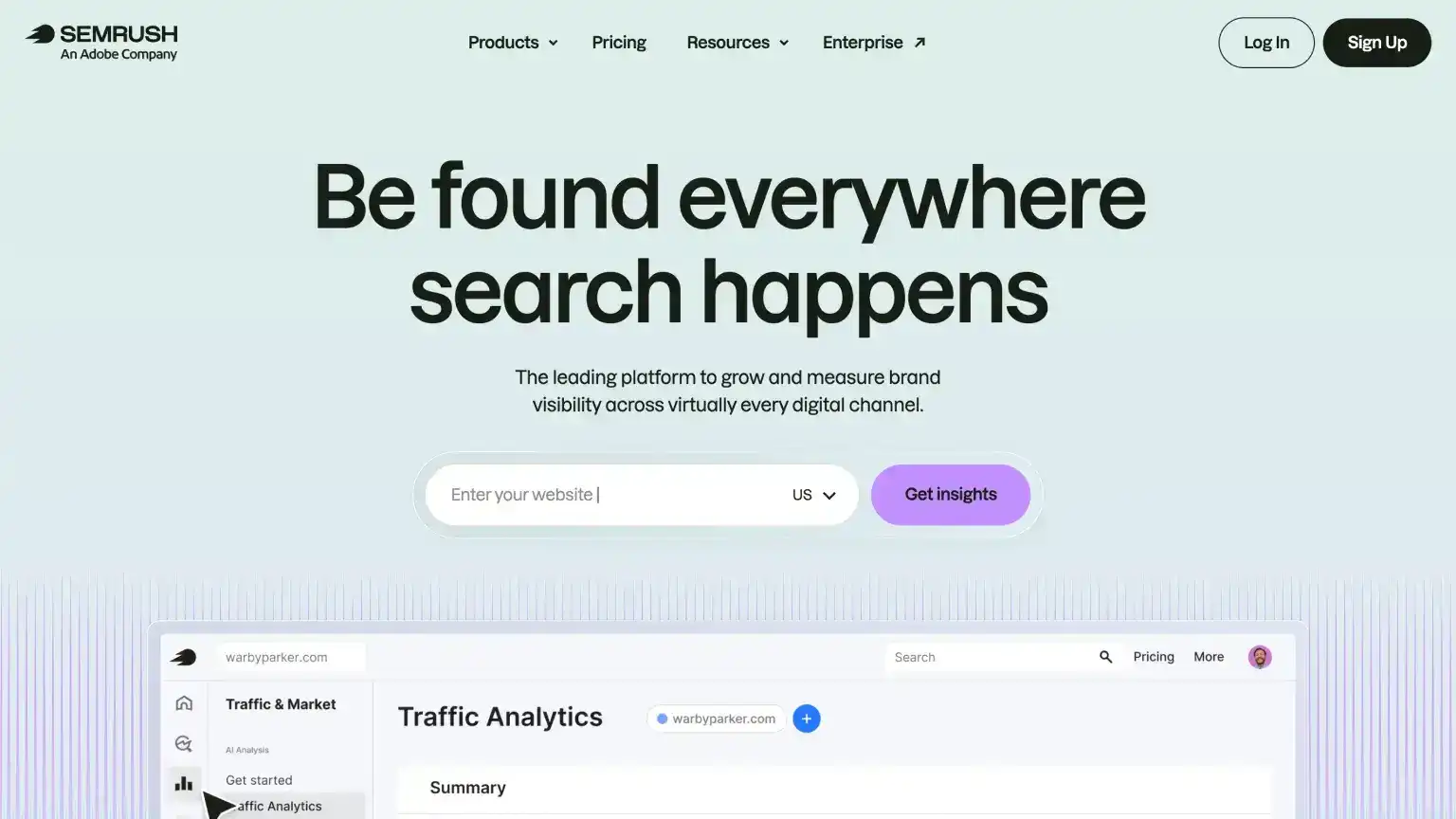
Best for: Agencies, in-house teams, local businesses, and larger companies that want keyword research, site checks, reporting, and AI visibility in one place.
In my opinion, Semrush is still the number one SEO tool for most serious businesses. It is one of the broadest SEO platforms you can buy: you can use it to find keywords, study competitors, check your site for SEO issues, track rankings, review backlinks, and plan content. It also has writing tools such as ContentShake, plus a huge library of tutorials and free training through Semrush Academy.
The reason it belongs on this list is that Semrush now covers more than Google rankings. Its AI visibility features show whether your brand appears in answers from tools like ChatGPT, Perplexity, Gemini, and Google AI Overviews. That makes it useful if you want one platform for traditional SEO and a first look at how AI search is treating your brand.
Key features
- Semrush Copilot: An assistant inside Semrush that looks at your project data and suggests what to check next.
- SEO toolkit: Keyword research, site audits, rank tracking, backlink checks, and competitor research.
- AI visibility: Track when your brand appears in AI answers and compare that visibility against competitors.
- Content and local SEO: Tools for optimizing articles, local listings, and multi-location campaigns on higher plans.
- Reporting: Client-ready reports and advanced data exports on larger plans.
Pros and cons
Pros:
- One paid stack can cover most SEO work, from site checks to AI visibility
- Huge tutorial ecosystem, blogs, video walkthroughs, and Semrush Academy
- Steady stream of new capabilities as the company invests in the category
Cons:
- List pricing is stiff if you are new to SEO or bootstrapping
- The free account runs out of queries fast once you are doing real work
- The interface packs a lot in, so expect a real learning curve even as UX improves
Pricing
- Free account: $0 — Limited daily queries across Domain Overview, keyword research, competitor research, and backlinks; site audit up to 100 pages; 10 keywords in position tracking. See what you can do with a free Semrush account for current limits. Semrush also offers a 7-day trial of paid plans when you need full access.
- Starter: ~$165.17/month — 5 websites, 500 daily keywords, 50 daily AI questions, and core SEO toolkits for smaller brands getting started with AI visibility.
- Pro+: ~$248.17/month — 15 websites, 1,500 daily keywords, 100 daily AI questions, plus historical SEO data and content optimization features for growing brands.
- Advanced: ~$455.67/month — 40 websites, 5,000 daily keywords, 200 daily AI questions, plus advanced reporting and data access for larger operations.
2. Ahrefs
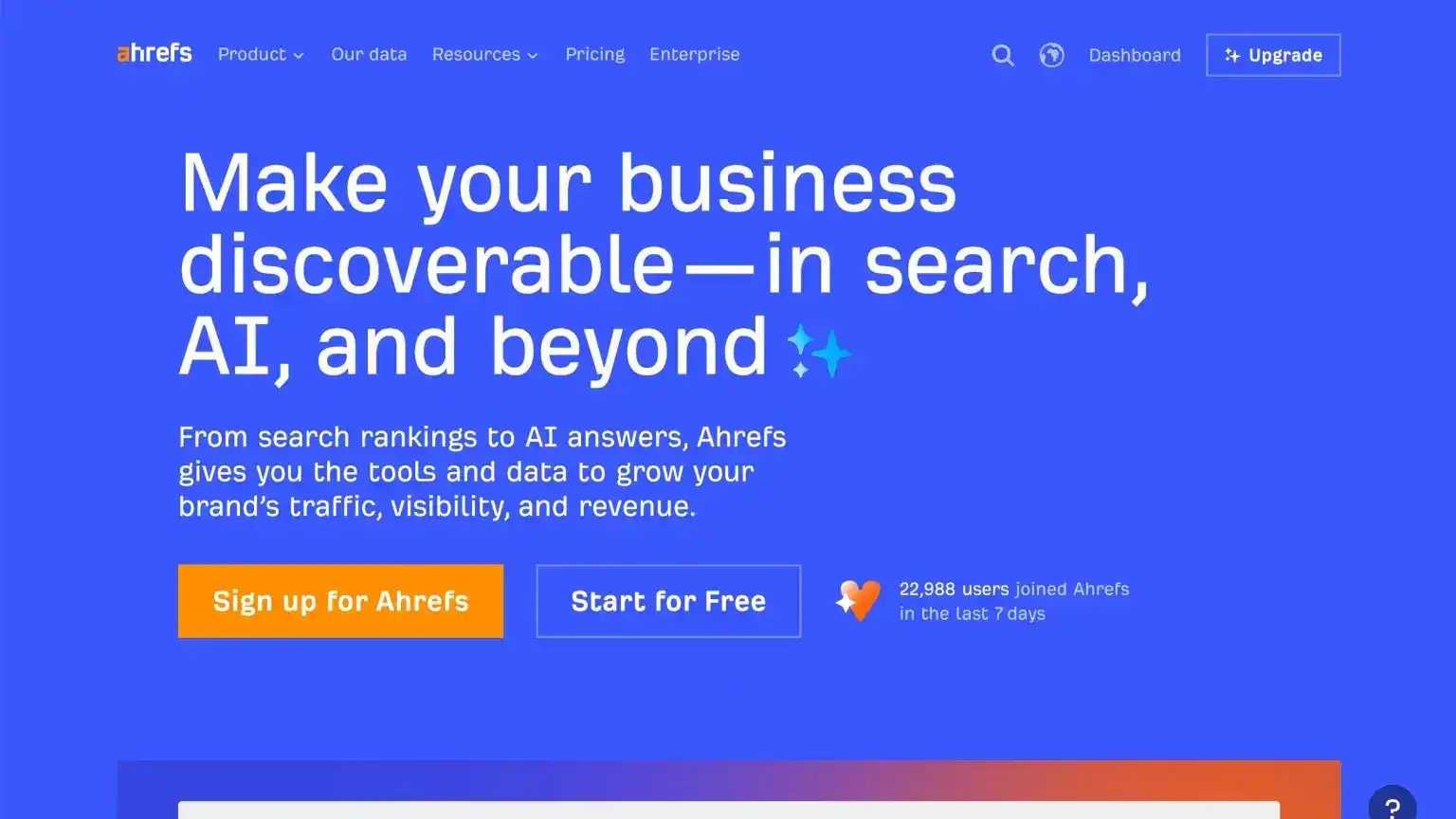
Best for: Marketers who care deeply about backlinks, competitor research, keyword ideas, and improving content with AI support.
Ahrefs is still strongest as a research tool. It helps you see which pages get traffic, which keywords competitors rank for, and which sites link to them. If your SEO strategy depends on finding content gaps and link opportunities, Ahrefs is one of the best tools in the category.
It has also added AI search features. Brand Radar and AI Overview tracking help you see where your brand appears in AI answers, while Content Helper and Content Grader show whether your article covers the important points around a topic. Ahrefs Free works for light checks; most paid use cases start at Lite, not Starter.
Key features
- Site Explorer and Keywords Explorer: See competitor traffic, backlinks, keyword ideas, and content gaps.
- Site Audit and Rank Tracker: Check your site for SEO issues and monitor ranking changes.
- AI Content Helper and Content Grader: See which topics your draft should cover more clearly.
- Brand Radar and AI Overviews: Track how your brand appears in AI answers and Google AI summaries.
Pros and cons
Pros:
- Best-in-class link and competitive data
- Works for freelancers through enterprise teams
- AI features that help improve your work without trying to publish for you
- Free tier and strong learning content
Cons:
- Lite is the real entry point, not Starter
- Extra AI writing and Brand Radar limits often need add-ons
- Not a set-and-forget SEO autopilot
Pricing
- Ahrefs Free: $0 — Limited Site Explorer and Site Audit on verified sites you own.
- Starter: $29/month — Newer entry tier with lighter limits; fine for quick research, but most working SEOs outgrow it fast.
- Lite: $129/month — The practical starting plan: 5 projects, 750 tracked keywords, Site Audit, Rank Tracker, and 5 tracked AI questions.
- Standard: $249/month — 20 projects, 2,000 keywords, and 10 tracked AI questions for consultants and growing sites.
- Advanced: $449/month — 50 projects, 5,000 keywords, and 20 tracked AI questions for in-house SEO programs.
- Enterprise: $1,499/month — Annual commitment, custom limits, and advanced data access for large organizations.
3. SE Ranking
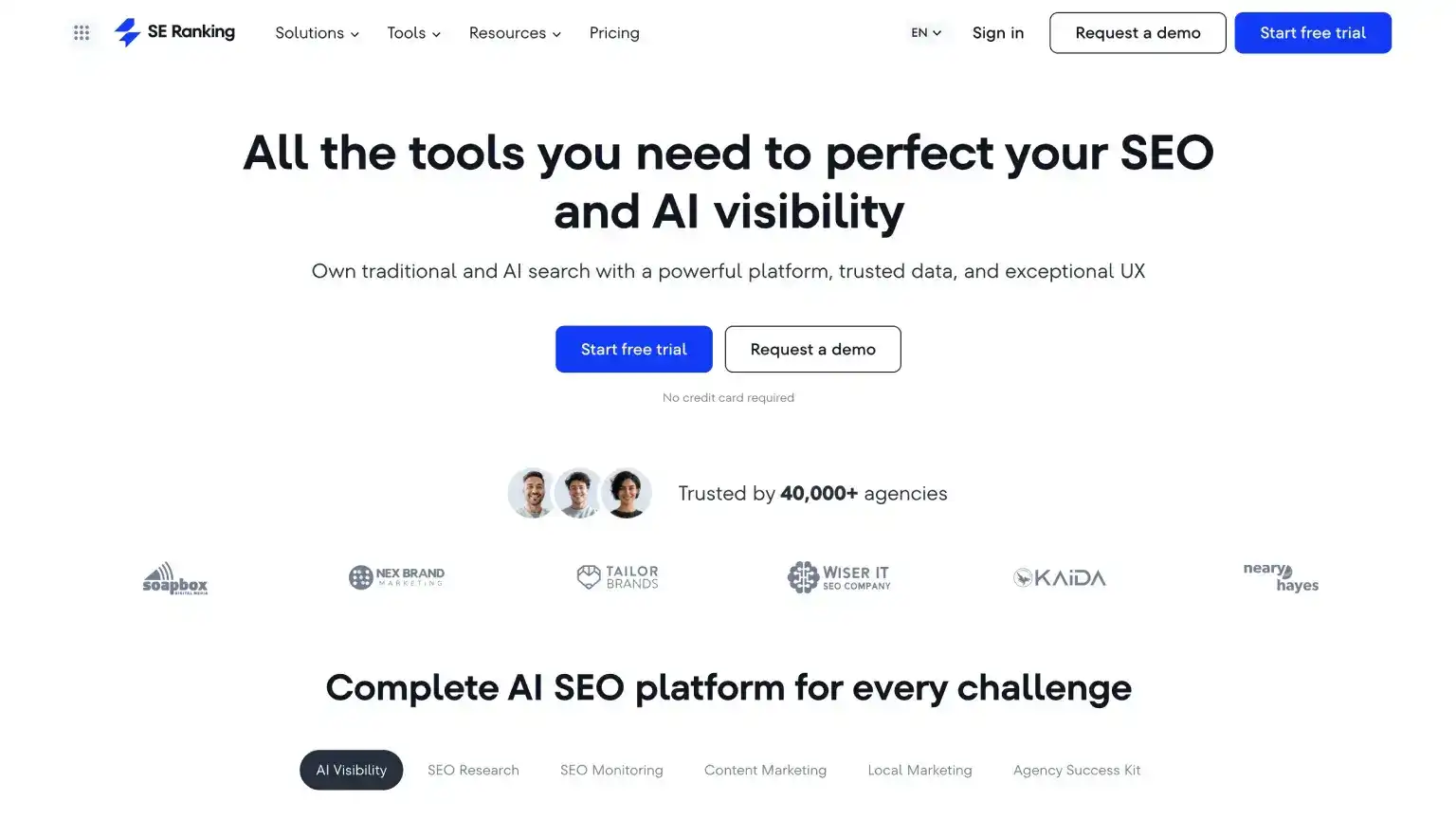
Best for: Agencies and freelancers managing several client sites who want SEO, AI visibility tracking, and client reports in one place.
SE Ranking gives you the everyday SEO basics: keyword research, rank tracking, site audits, competitor research, and backlink checks. It also tracks how your brand and competitors appear in AI answers across tools like ChatGPT, Gemini, and Google AI Overviews.
I like it most when you manage more than one site. The reports are easy to hand to clients, and the pricing can make more sense than Semrush or Ahrefs once you are tracking several projects. If you only run one small site, test it carefully before committing.
Key features
- Rank Tracker and Website Audit: Track keyword positions and find issues that could hurt rankings.
- AI Search Toolkit: See when AI tools mention, cite, or recommend your brand and competitors.
- Content Editor and Content Idea Finder: Get article ideas and content suggestions from what already ranks.
- Agency features: Client reports, scheduled updates, and extra client seats on agency plans.
Pros and cons
Pros:
- Strong value compared with Semrush or Ahrefs Advanced
- Keeps many client sites in one login
- Automation plus AI reporting for both Google and AI search
Cons:
- Weak fit for a single-site owner
- Some advanced AI features are add-ons
- Backlink depth still trails Ahrefs and Semrush when link prospecting is the main job
Pricing
- Core: $129/month — 10 projects, 2k daily keywords, 100 daily AI questions, and 250k audit pages per month.
- Growth: $279/month — 30 projects, 5k keywords, 250 daily AI questions, historical data, and page change monitoring.
4. Surfer SEO
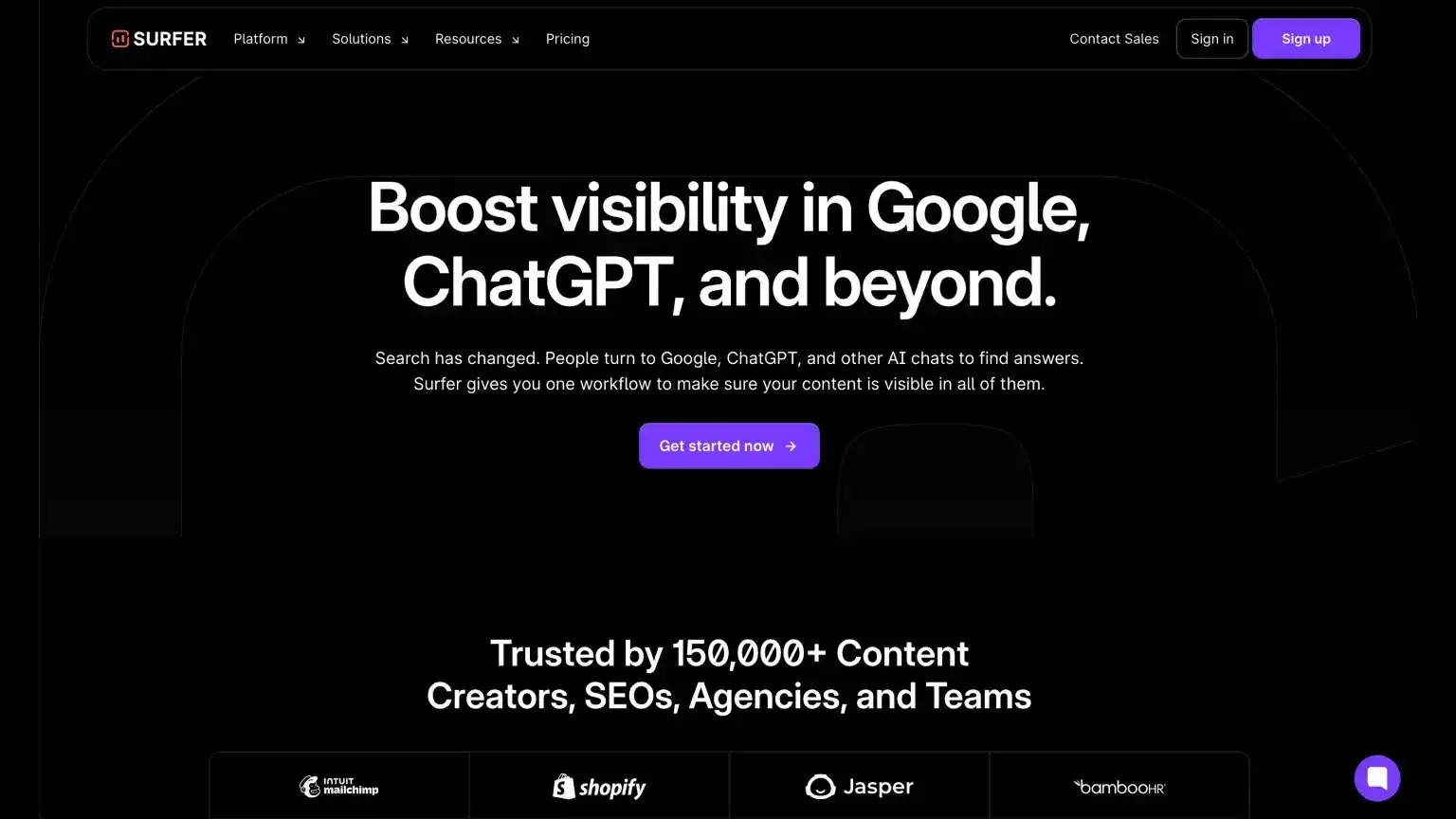
Best for: Anyone publishing SEO articles who wants clear briefs, live content scores, and visibility in Google plus AI search.
Surfer is built around a simple idea: look at what already ranks for a keyword, then help you write a better page. It gives you suggested headings, topics to cover, article length, and a live score as you write. Surfer AI can also draft content in your brand voice, while newer tracking features show how your brand appears in AI search tools.
It fits in-house teams, agencies, and solo publishers who write in Google Docs or WordPress. Pair it with the free Keyword Surfer extension for quick keyword ideas. Just remember that Surfer is mainly for content; you still need another tool for deep site checks or backlink research.
Key features
- Content Editor: Score drafts while you write and see which topics, headings, and internal links to add.
- Briefs, audits, and topical maps: Build outlines, refresh old pages, and plan related article clusters.
- Surfer AI and AI Tracker: Draft optimized copy and monitor how your brand appears in AI search tools.
- Integrations and free tools: Google Docs and WordPress plugins; Keyword Surfer extension; optional AI detector and humanizer on free access.
Pros and cons
Pros:
- Excellent optimization reports for new and existing content
- Strong Google Docs and WordPress writing experience
- Brand voice and collaboration on paid tiers
- Mature product used by large brands
Cons:
- ~$99/month entry can sting for tiny teams
- You need SEO basics first, because it polishes strong drafts more than it teaches beginners
- Following every suggestion can sound robotic
- No built-in deep site audits or keyword research like Ahrefs or Semrush
Pricing
- Discovery: $49/month — 120 documents per year and 10 AI questions for testing Surfer on a small site.
- Standard: $99/month — 360 documents, 25 AI questions (weekly refresh), and collaboration features for growing content programs.
- Pro: $182/month — 360 documents, 50 AI questions (daily refresh), cannibalization reports, and five brand workspaces.
- Peace of Mind: $299/month — Unlimited documents (fair use), 100 daily AI questions, advanced data access, and dedicated success manager.
- Enterprise: $999/month — Custom limits, SSO, and advisory-led onboarding.
5. Peec.ai
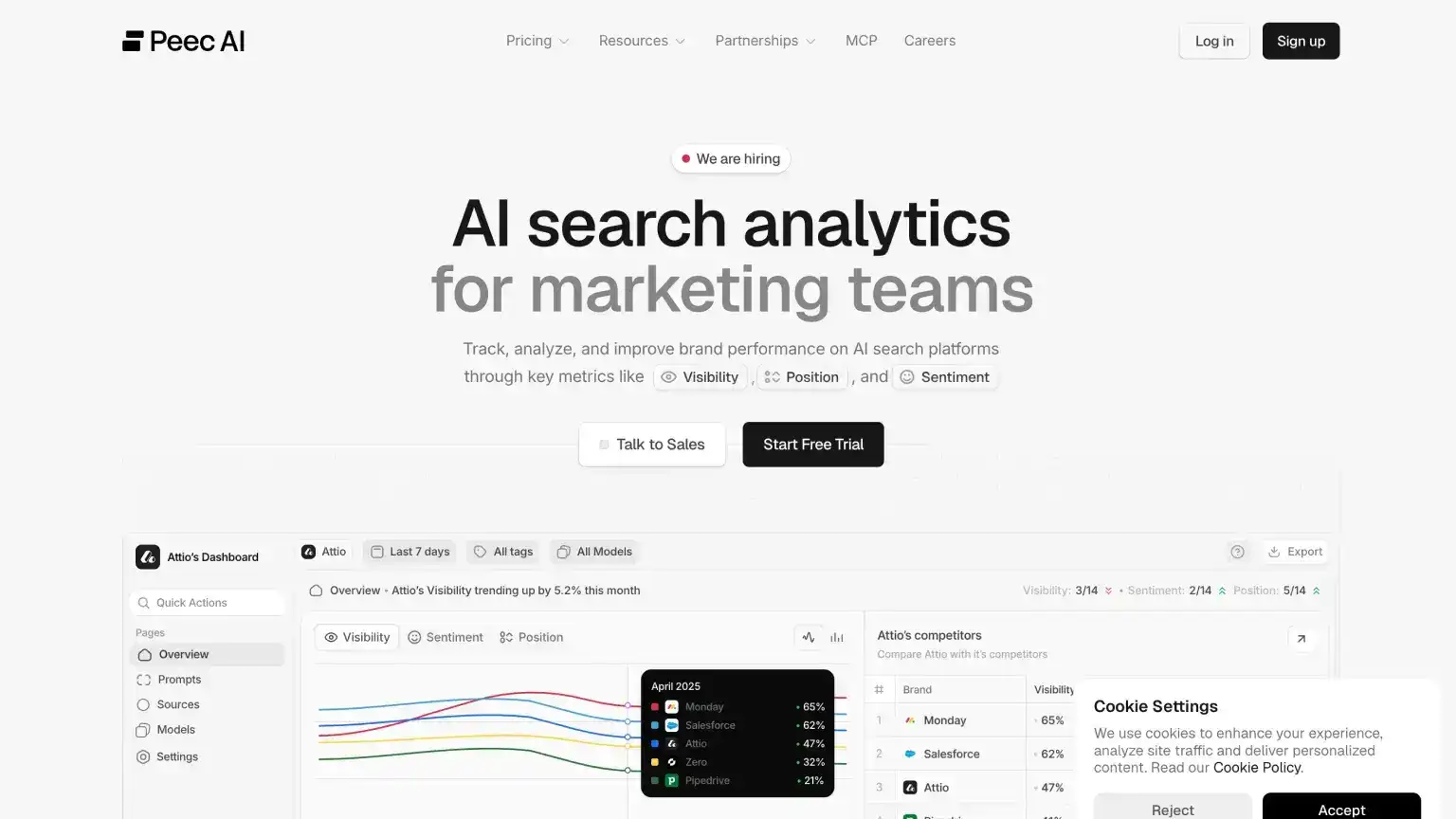
Best for: Brands that already get meaningful Google traffic and now want to know how often AI tools mention or recommend them.
There is no Google Search Console equivalent for ChatGPT or Perplexity, which is why tools like Peec.ai exist. Peec shows how your brand appears in AI answers across ChatGPT, Gemini, Claude, Perplexity, DeepSeek, and similar tools. The interface is clean, and the 7-day trial gives you time to test whether the data is useful before you pay.
It is most useful once people are already searching for your category, product, or competitors. Add the questions your buyers might ask, track whether your brand is mentioned or cited, and compare that against competitors.
Key features
- AI visibility tracking: Daily checks across major AI answer tools.
- Suggested questions: Question ideas based on your site's topics and keywords.
- Competitor tracking: Compare your visibility with competing brands.
- Citations and reporting: See which pages get cited and export reports on higher tiers.
Pros and cons
Pros:
- Strong UX among AI visibility tools
- Lower entry than many rivals
- Great for product-led brands and client reporting
Cons:
- Not a traditional SEO suite
- Media sites may see citation data more than product recommendations
Pricing
- Starter: $95/month — 1 project, 3 AI models (ChatGPT, AI Overviews, Perplexity, Copilot, Gemini, Grok, and related tools), daily tracking, chat support.
- Pro: $245/month — 2 projects, 3 countries per project, daily tracking, chat and email support.
- Advanced: $495/month — 5 projects, 3 countries per project, daily tracking, deeper reporting (Looker integration on higher tiers).
6. Frase
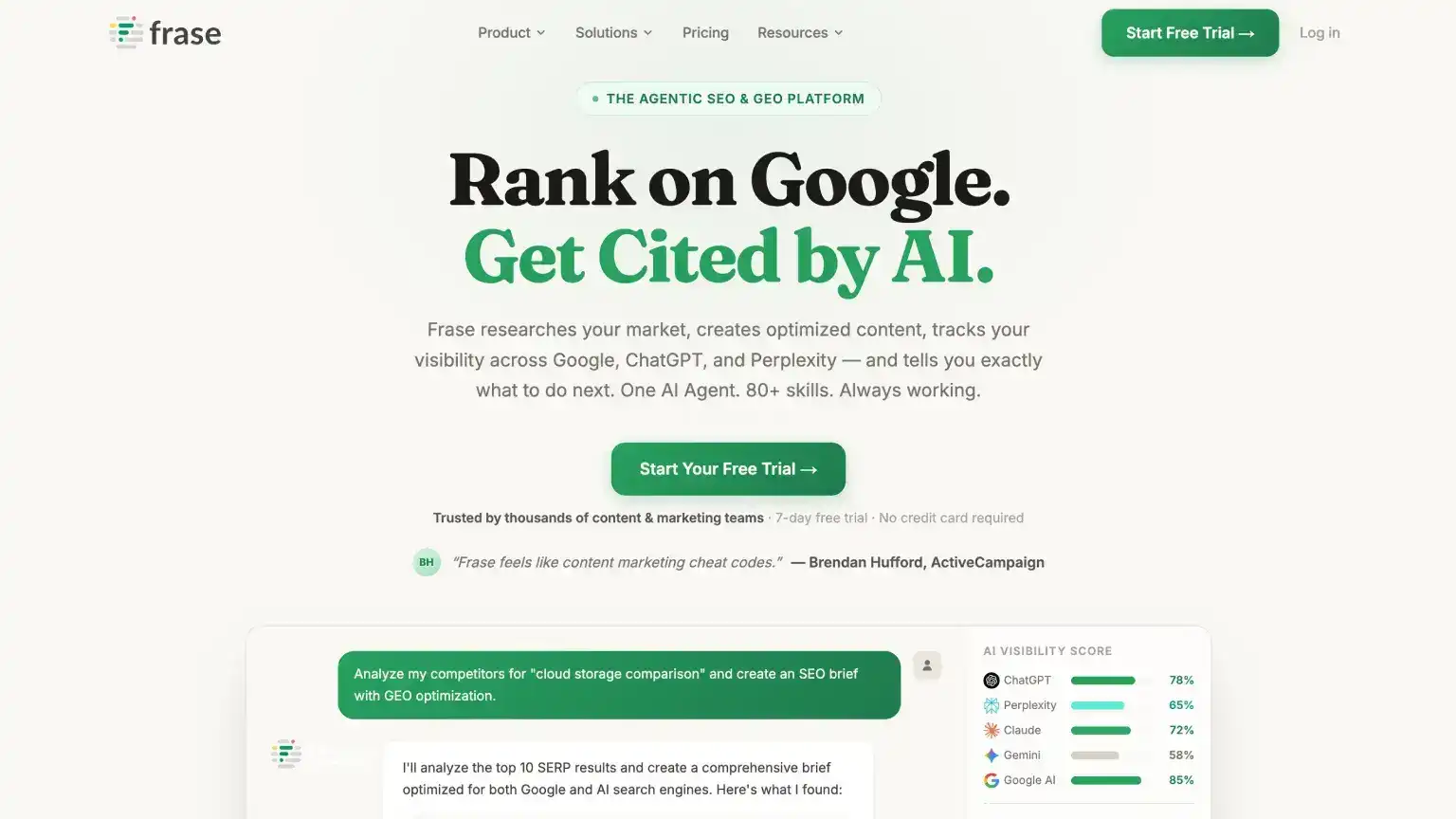
Best for: SEO managers, content marketers, and agencies that want one place to research, write, optimize, and track content.
Frase helps you move from research to a finished article faster. It looks at the pages already ranking for a topic, pulls out common questions and themes, and turns that into a useful brief. Then it helps score and improve your draft so you are not guessing what to include.
The useful part is that Frase now looks beyond Google too. Paid plans can track how your brand appears in AI answers, while the writing tools help you build pages that answer real questions from Google, forums, and Q&A sites.
Key features
- Research and content scoring: Summarize competing pages, find missing topics, and improve drafts.
- AI writer: Create outlines, briefs, and draft sections faster.
- AI visibility tracker: Monitor how your brand shows up in AI answers.
- Site audits: Check pages for content and on-page SEO issues.
Pros and cons
Pros:
- Strong value compared with premium optimizers like Clearscope
- Fast research-to-outline flow
- Built for both Google SEO and AI visibility from one login
Cons:
- Article and audit caps vary by tier
- Not a full rank-history or backlink suite, so pair it with Search Console or Ahrefs after publish
- Enterprise options need a sales call
Pricing
- Starter: $49/month — 1 user, 1 domain, 10 AI-optimized articles/month, 50 audit pages, 2 AI platforms tracked.
- Professional: $129/month — 3 seats, 5 domains, 40 articles/month, 250 audit pages, 3 AI platforms.
- Scale: $299/month — 5 seats, 10 domains, 100 articles/month, 1,000 audit pages, 5 AI platforms, exports.
7. AirOps
Best for: SEO and content teams that already have a clear strategy and want to automate refreshes, bulk production, and AI visibility tracking.
AirOps is for teams that repeat the same content tasks over and over: updating old articles, creating briefs, producing lots of similar pages, or moving drafts into a CMS. Instead of doing every step manually, you can build no-code automations that combine AI models, SEO data, review steps, and publishing tools.
You will get the most from it if your content process is already working and you want to scale it. It is not a beginner SEO tool and it will not decide your strategy for you. It is better for teams that already know what good content looks like and need help producing or refreshing more of it.
Key features
- Automation builder: Drag-and-drop automations for outlines, drafts, optimization, and CMS publishing.
- Grids: Spreadsheet-style bulk runs for refreshes and large content projects.
- Review steps: Keep a human approval step before AI-generated work goes live.
- SEO and AI visibility tracking: Monitor pages, AI questions, and brand knowledge on higher tiers.
Pros and cons
Pros:
- Powerful for teams drowning in content refresh requests
- Bulk operations most competitors cannot match
- Review steps that keep marketers in control before publish
Cons:
- Real learning curve
- Expensive for solos and small blogs
- Requires strategy and brand context first, since it is not a keyword research or teaching tool
Pricing
- Solo: $200/month — 100 tracked AI questions and pages, ChatGPT insights, 20k tasks, 3 knowledge bases, single-user access.
- Pro: $2,000/month — 250 tracked AI questions, multi-engine insights, weekly reports, 75k tasks, unlimited seats.
8. Clearscope
Best for: Established editorial teams that want precise on-page grading, strong keyword guidance, and collaboration without per-seat fees.
Clearscope helps editors and writers make articles more complete before they publish. Enter a target keyword and it gives the draft an A-F grade, suggests related topics to cover, and shows what competing pages include. It also helps with meta titles, descriptions, keyword ideas, and older pages that may need a refresh.
It is not trying to be a full SEO suite. Clearscope is best when you already know what you want to write and need a reliable way to improve quality. It also includes tracking for ChatGPT and Gemini questions if you want to see whether AI answers mention your brand or content.
Key features
- Optimize and grade: Score drafts and see which related topics are missing.
- Discover, Write, and Protect: Find topic ideas, draft faster, and monitor pages that start losing traffic.
- Content Decay and inventory: Spot older articles that may need updates.
- Team setup: Unlimited seats, Google Docs integration, and AI answer tracking.
Pros and cons
Pros:
- Industry-leading recommendation quality
- Excellent support
- Strong for multi-writer teams and brands that already take content seriously
Cons:
- Expensive for solo bloggers
- Page and topic caps on lower tiers
- Focused on content quality, not site audits, ads, or full-funnel marketing
Pricing
- Essentials: $129/month — 20 tracked topics, 50 pages, 20 topic explorations, and 20 drafts per month.
- Business: $399/month — 50 tracked topics, 300 pages, 50 explorations, dedicated account manager.
9. Otterly
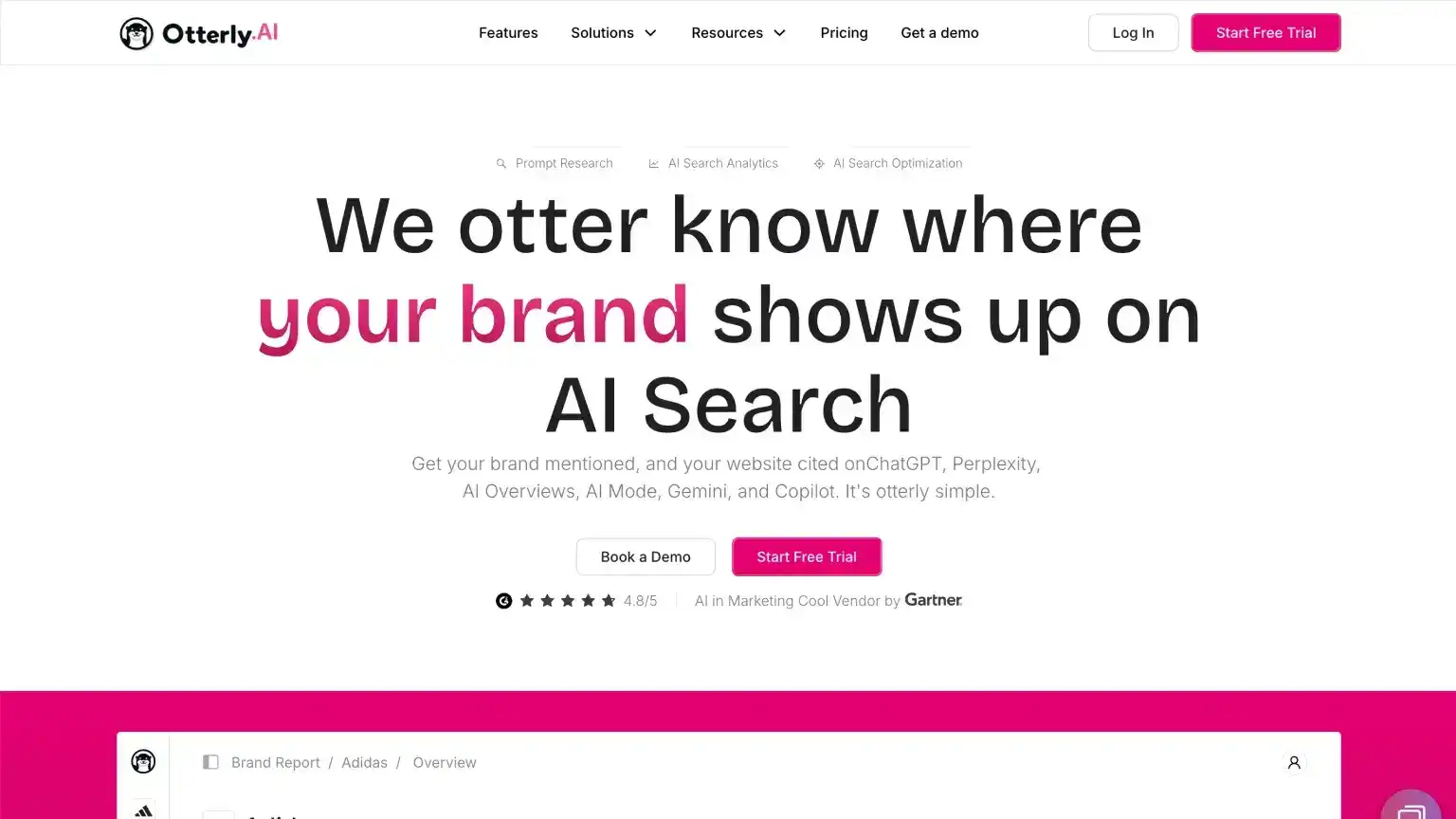
Best for: Freelancers and small teams that want an affordable way to start tracking AI visibility.
Otterly is one of the most budget-friendly AI visibility tools on this list. Setup is simple: you can start with your existing SEO keywords, turn them into the kinds of questions people ask AI tools, and track whether your brand appears in the answers.
It also gives page-level recommendations for improving how likely your content is to be cited. It is not as deep as Peec.ai or enterprise tools, but it is a good entry point if you want affordable monitoring without overcomplicating things.
Key features
- Question tracking: Monitor branded and category questions across ChatGPT, Google AI Overviews, Perplexity, and related engines.
- Keyword-to-question process: Turn SEO keywords into AI-style questions you can track over time.
- AI citation audits: Get page-level recommendations to improve how content gets cited in AI answers.
- Reporting for teams: Visibility scoring, exports, and white-label options on higher tiers.
Pros and cons
Pros:
- Low entry price
- Easy onboarding
- Strong value for freelancers and lean agencies
Cons:
- Lite caps tracked questions tightly
- Some Google and Gemini tracking features are add-ons
- Lighter on trend analysis than premium AI visibility platforms
Pricing
- Lite: $25/month — 15 tracked questions, daily tracking, 1,000 AI visibility page checks per month.
- Standard: $160/month — 100 tracked questions, unlimited workspaces and recommendations, 5,000 AI visibility page checks.
- Premium: $422/month — 400 tracked questions, Looker Studio connector, 10,000 AI visibility page checks.
10. ProductRank.ai
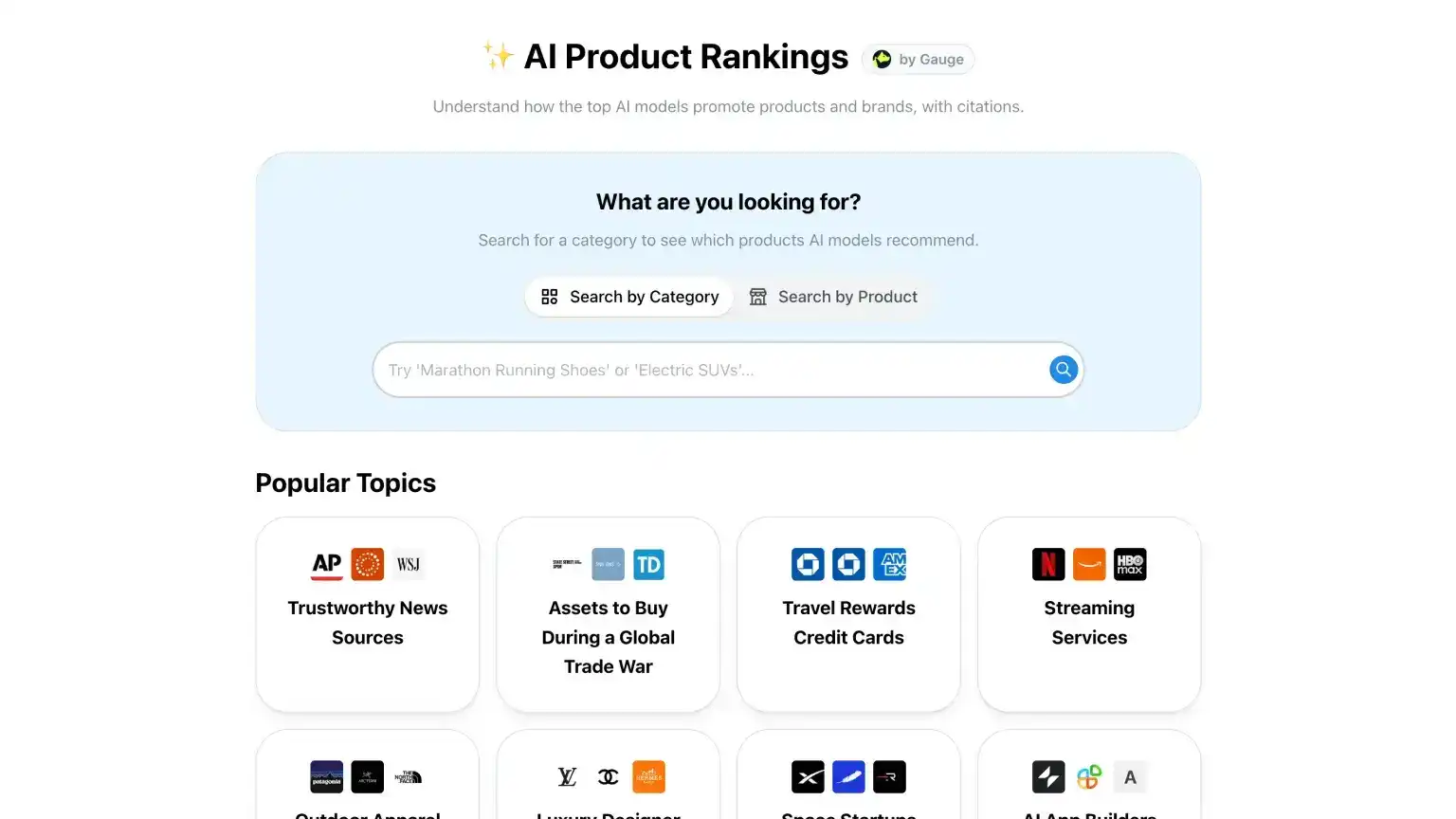
Best for: Brands and marketers who want a free, lightweight snapshot of how AI tools describe and rank them.
ProductRank is a free brand-tracking tool with no subscription and no credit card. Search by keyword, topic, or question and it checks how major AI models respond. You can see which brands show up, how they are ranked, and which sources the models use when building the answer.
I would treat it as a fast reality check, not a full AI visibility platform. It is great when you are just starting with AI SEO and want to know what ChatGPT, Claude, Gemini, Perplexity, and similar tools say about your market. But it is not built for deep trend tracking, scheduled reports, or serious month-over-month monitoring. Once AI visibility becomes a real business metric, I would move to a paid tracker like Peec.ai or Otterly.
Key features
- Keyword and question search: Check visibility for the queries your buyers actually ask in AI engines.
- Multi-platform coverage: See how major AI models answer the same topic or brand question.
- Citation view: Review the sources AI models use when they mention or rank brands.
- Brand context: See how models describe each brand, not just whether it appears.
- Competitive context: Compare how different sites and products show up for the same questions.
Pros and cons
Pros:
- Completely free and easy to test
- Covers major AI models without a complicated setup
- Useful even if you later buy a paid tracking tool
Cons:
- Lightweight compared with paid AI visibility platforms
- No serious tracking over time
- Better for quick checks than ongoing reporting
Pricing
- Free: $0
11. Keysearch
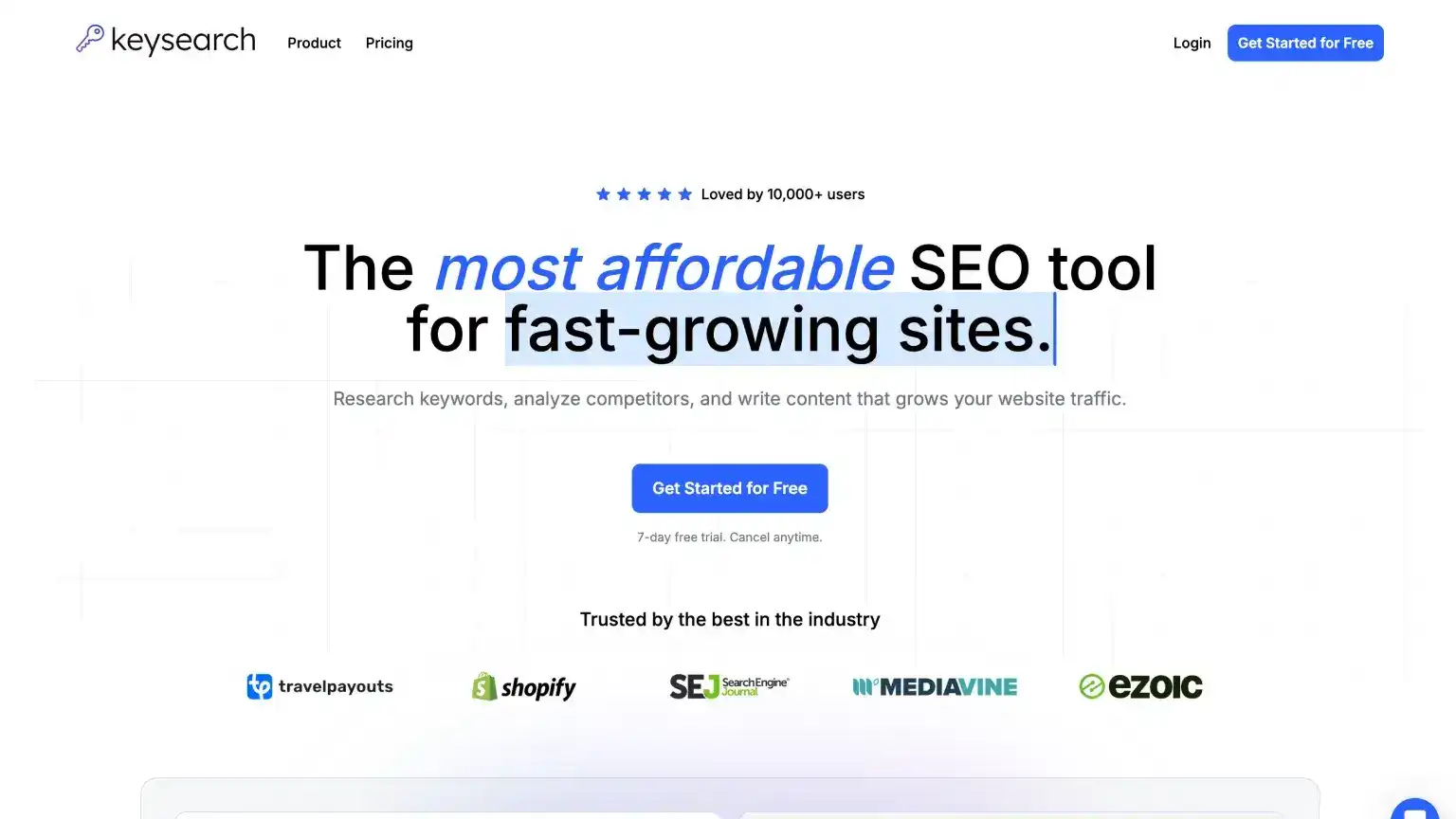
Best for: Beginners and budget-conscious SEOs who want keyword research, competitor checks, rank tracking, and site audits without flagship pricing.
Keysearch gives you many of the basics people usually buy Semrush or Ahrefs for, but at a much lower price. You can research keywords, look at competing pages, check backlinks, track rankings, audit a site, research YouTube keywords, and use AI credits for assisted research.
The interface is not the sleekest and some actions can feel slow, but it is hard to beat for the price. It is a traditional SEO tool, not an AI visibility tracker, so pair it with Otterly or Peec if AI search monitoring matters to you.
Key features
- Keyword research and search result analysis: Volume, difficulty-style scoring, and live search results.
- Competitor and backlink research: Spy on rivals without paying for Ahrefs Lite on day one.
- Rank tracking and site audits: Monitor keywords and find site issues to fix.
- YouTube research and AI credits: Video keyword ideas plus assisted research by plan.
Pros and cons
Pros:
- Starter includes nearly everything a new SEO needs
- Unbeatable value at this price point
- Easy enough to learn as a first paid tool
Cons:
- Can feel clunky or slow
- Support is lighter than big vendors
- Data depth and AI search tracking trail Ahrefs, Semrush, and dedicated AI visibility tools
Pricing
- Starter: $24/month — 200 keyword searches/day, 80 tracked keywords, and 5,000 AI credits.
- Pro: $48/month — 500 searches/day, 200 tracked keywords, 15,000 AI credits, and Foresight recommendations.
12. AlsoAsked
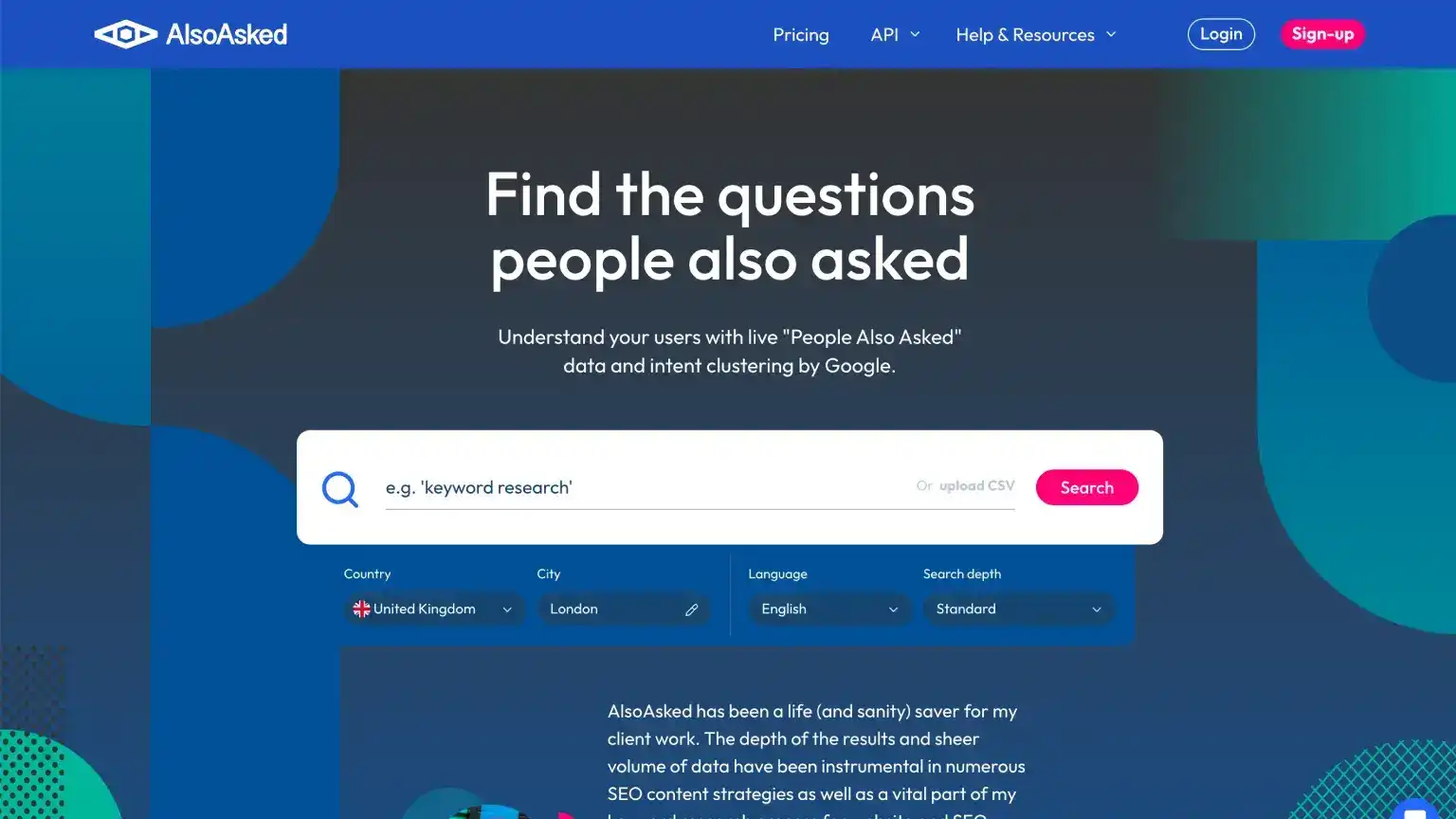
Best for: Finding the follow-up questions people ask so you can build better headings, FAQs, and topic clusters.
AlsoAsked turns a seed keyword into a map of related questions from Google's People Also Ask boxes. It is one of the fastest ways to find H2 and H3 ideas, long-tail angles, and FAQ entries for a blog post or topic hub.
That structure is useful for AI search too. If your article clearly answers the follow-up questions around a topic, it is easier for both Google and AI systems to understand what the page is about. Use the free daily credits on priority pages, then export the question maps for briefs or client work.
Key features
- Question maps: See how related questions branch from a seed keyword by region and language.
- Deep search and bulk runs: Expand question maps and process multiple keywords on higher tiers.
- Exports: Pull results into content briefs or client reports.
- AI-friendly planning: Align headings and FAQ blocks with the questions people actually ask.
Pros and cons
Pros:
- Inexpensive
- Unlimited users on every plan
- Excellent for headings, FAQs, and topic depth
Cons:
- Single-purpose tool, not rank tracking, audits, or AI brand monitoring
- Paid credits cap heavy research volume
Pricing
- Basic: $12/month — 100 credits/month, 24-hour search history, and data export access.
- Lite: $23/month — 300 credits/month, 1-month search history (most popular).
- Pro: $47/month — 1,000 credits/month, 1-year search history.
Traditional SEO tools still essential in the AI era
These picks are not AI visibility dashboards. They are site-checking, analytics, and research tools most serious marketers still run alongside paid SEO suites. If Google can find your pages, understand them, and trust the data, AI-generated answers have a better chance of using your site as a source too.
13. Google Search Console
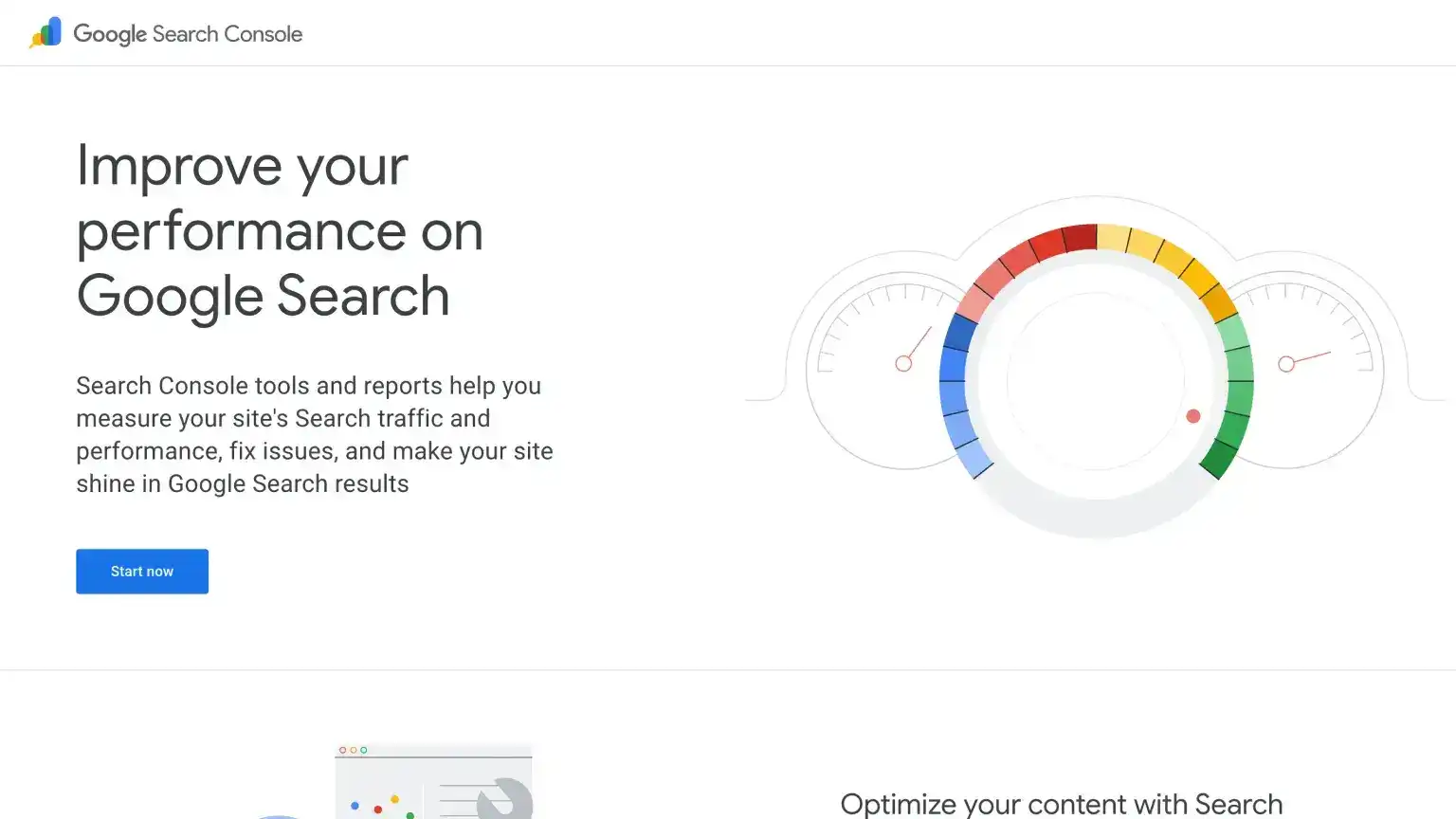
Best for: First-party data on how Google finds, indexes, and sends traffic to your site.
Every site owner should use Search Console. No paid SEO tool replaces Google's own view of impressions, clicks, average position, indexing status, and Core Web Vitals.
Key features
- Performance report: Queries, pages, countries, and devices that drive organic traffic.
- Indexing and sitemaps: See what Google has indexed and fix coverage issues.
- URL inspection: Test live URLs and request indexing after fixes.
Pros and cons
Pros:
- Free
- Authoritative Google data
- Essential for debugging traffic drops
Cons:
- Google only
- Limited historical data compared to third-party rank trackers
Pricing
- Free: $0
14. Google Keyword Planner
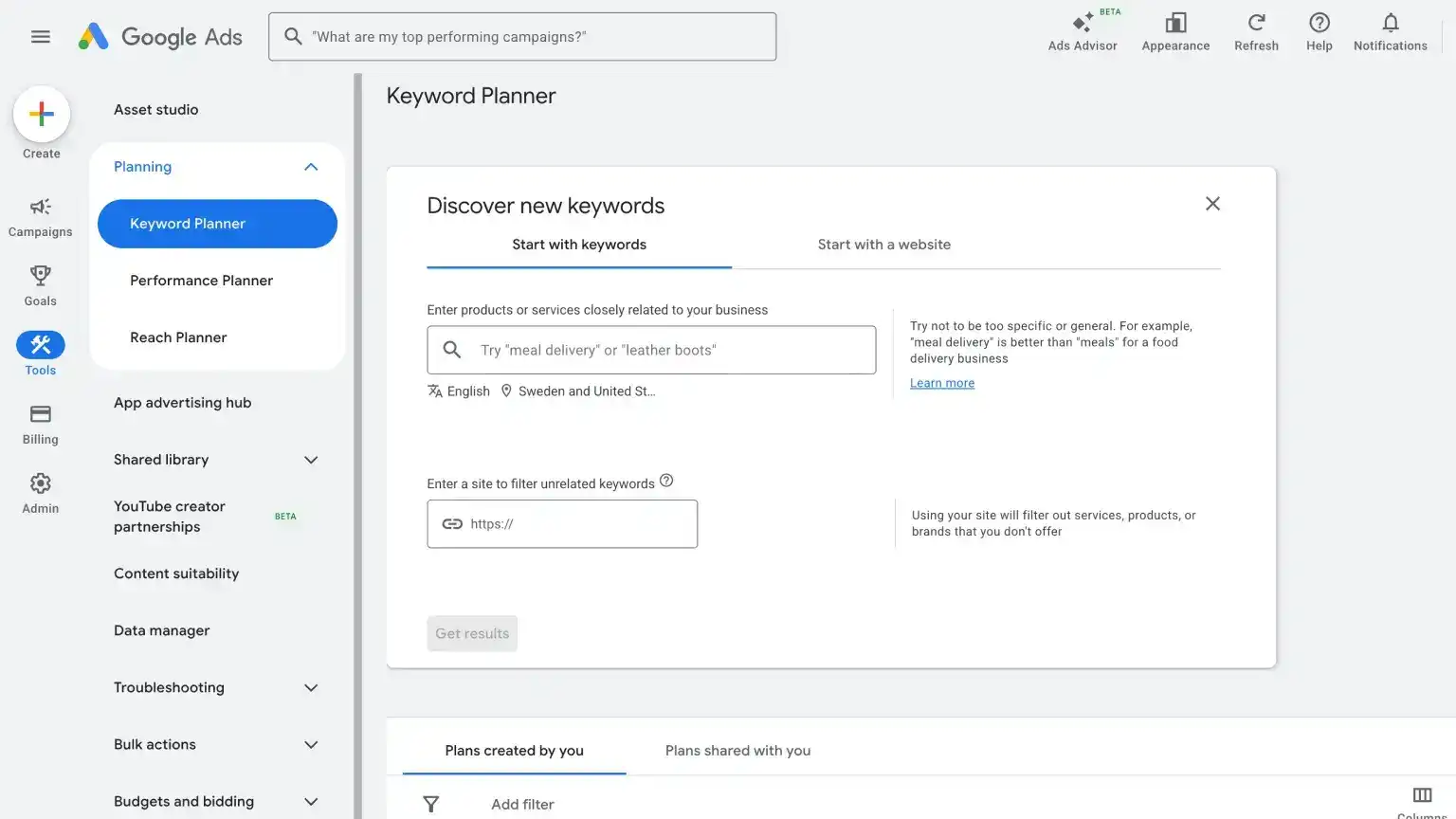
Best for: Anyone with zero budget for paid keyword tools who still wants Google-first volume, competition, and CPC data.
Google Keyword Planner lives inside Google Ads and is built for PPC, but it is one of the best free SEO research options most people skip. Use it for search volume, competition level, and CPC, which are commercial intent signals for the keywords you want to target. You can also use it to discover new keyword ideas from a seed term.
You need a Google Ads account (not Search Console), and the UI can feel buried if you are new to Ads. Volume often shows as ranges unless you run active campaigns, but the data still comes straight from Google.
Key features
- Search volume and competition: Forecast how often terms are searched and how crowded they are.
- CPC estimates: See what advertisers pay, which is a useful proxy for keyword value in SEO and paid search.
- Keyword discovery: Expand seed terms into related ideas when you cannot afford Ahrefs or Semrush yet.
Pros and cons
Pros:
- Authoritative Google data
- Completely free
- Underrated for organic research and content planning
Cons:
- Requires a Google Ads account
- Interface is nested inside Ads and can overwhelm beginners
Pricing
- Free: $0
15. Google Trends
Best for: Content creators, marketers, and SEOs who want to compare interest over time, spot seasonality, and prioritize between close keyword variants.
Google Trends is another free Google tool that shows how search interest rises or falls for topics and queries. Pair it with Autocomplete research, or drop two similar keywords from Keyword Planner into Trends to see which one has stronger momentum before you commit to a target term.
It will not replace difficulty scores or volume tables, but it is ideal for seasonal planning, regional angles, and catching emerging topics before they saturate. It is completely free and does not require a Google Ads account.
Key features
- Interest over time: Compare keywords or topics on a relative trend line.
- Regional and category breakdowns: See where demand clusters and what related queries spike.
- Head-to-head comparisons: Choose between near-duplicate keywords when Planner data looks tied.
Pros and cons
Pros:
- Free Google data
- Fast answers for "rising or fading?"
- Great alongside Keyword Planner and Autocomplete research
Cons:
- Relative scores, not exact search volume
- No rank tracking or site-level analytics
Pricing
- Free: $0
16. Screaming Frog
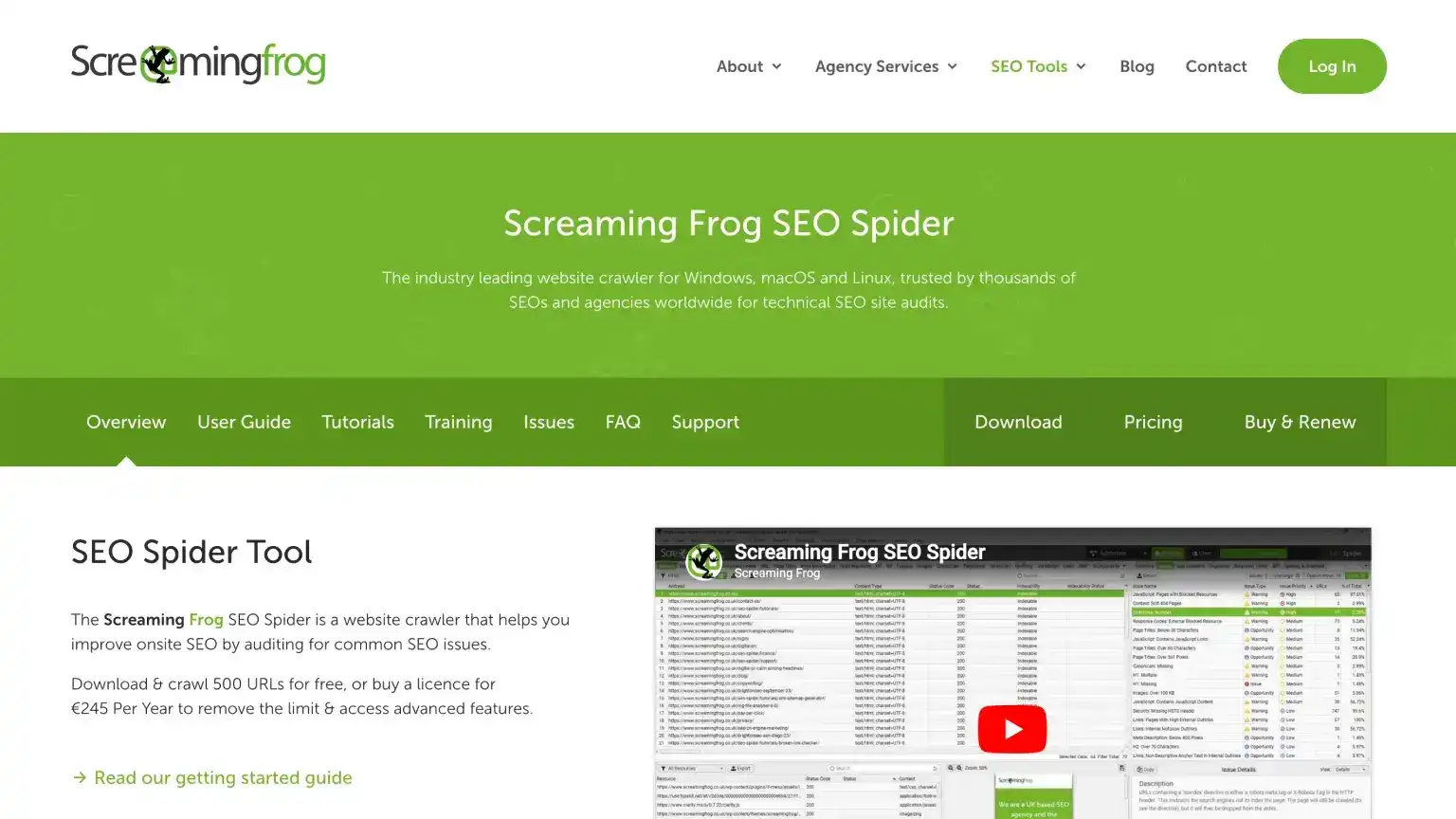
Best for: Experienced marketers and agencies that need to inspect a site in detail.
Screaming Frog is the tool many SEO pros open when something feels wrong with a site. It scans your pages and finds issues like broken links, missing titles, duplicate pages, redirect problems, and pages that might be accidentally hidden from search engines. The interface looks old-school, but it is still very good at catching problems that cost real traffic.
The free version checks up to 500 URLs, which is enough for small sites and spot checks. The paid version removes that limit and adds scheduling plus connections to Search Console, Analytics, and PageSpeed. It is not beginner-friendly, but it is extremely useful once you know what to look for.
Key features
- Full-site checks: Find broken links, redirect problems, duplicate titles, and missing metadata.
- Indexing checks: Spot pages that may be blocked from Google by mistake.
- Integrations (paid): Pull in Search Console, Analytics, and PageSpeed data.
- Exports and filters: Turn large scans into fix lists for developers or clients.
Pros and cons
Pros:
- Very detailed site checks
- Free tier is genuinely useful for small sites
- Desktop control over huge site scans
Cons:
- Not beginner-friendly
- Interface feels legacy
- No shared cloud dashboard
- Paid license per user for unlimited scans
Pricing
- Free: $0 — Check up to 500 URLs with core audit features.
- Paid: ~$199/year per user — Unlimited scans (subject to memory/storage), scheduling, and advanced integrations (Screaming Frog).
17. Bing Webmaster Tools
Best for: Site owners who want Bing indexing and reporting, plus an edge in AI search since ChatGPT leans on Bing for live results.
Bing Webmaster Tools is Microsoft's version of Google Search Console. It helps you submit your site to Bing, check whether pages are indexed, and see which searches bring people to your site. Setup is easy if you already use Search Console because you can import your existing properties.
Its AI Performance report is the interesting part for AI SEO. It shows when Microsoft Copilot uses your pages in answers and which pages get cited. That matters because several AI tools use Bing's index for live search results, so Bing visibility is more useful than many marketers assume.
Key features
- Indexing and sitemaps: Submit your sitemap and ask Bing to check important pages.
- Search performance: See clicks, impressions, and search terms from Bing.
- Site diagnostics: Find issues that may stop Bing from understanding your pages.
- AI Performance report: See which pages Microsoft Copilot uses and cites.
Pros and cons
Pros:
- Free
- Fast import from Google Search Console
- Useful site health reporting
- First-party Copilot citation data most AI visibility tools cannot match
Cons:
- Smaller search share than Google
- Still a second dashboard to check
- AI report is Copilot/Bing-only, not ChatGPT or Perplexity
Pricing
- Free: $0
What's the Best AI SEO Tool for You?
There is no single best AI SEO tool for everyone. The right pick depends on whether you need an all-in-one SEO platform, a content tool, or a way to track how AI systems talk about your brand.
If you want one all-in-one platform, I would start with Semrush. It gives you keyword research, site audits, competitor research, rank tracking, content tools, and AI visibility in one place.
If your main job is writing and improving content, use Surfer for content scoring and Frase for research-to-draft workflows. Those two cover most content production needs without making the stack too complicated.
If you only care about AI visibility, start with ProductRank.ai for a free snapshot. When you need paid tracking, competitor comparisons, and reports, Peec.ai is the one I would test first.
If you are just starting out, run Google Search Console, Keysearch, and Screaming Frog before you buy enterprise software. That trio covers data, keywords, and site issues for roughly the cost of one inexpensive paid subscription combined.
I would also keep ChatGPT or Claude in your workflow, even if you only use the free plan. I often let Claude go through an article before publishing and ask it to check whether I hit the right keywords, added the right internal links, fixed spelling issues, and explained things clearly. It is also useful for quick SEO audits, rewriting clunky sections, and finding places where the article feels thin. I just would not let it write the final version on autopilot, because nobody likes AI slop.
The most important thing is to avoid buying tools before you know what you are trying to measure. Start with the real questions people ask before choosing a product like yours, check how your brand appears in Google and AI answers, then choose the tool that helps you close the biggest gap.
Related resources: